


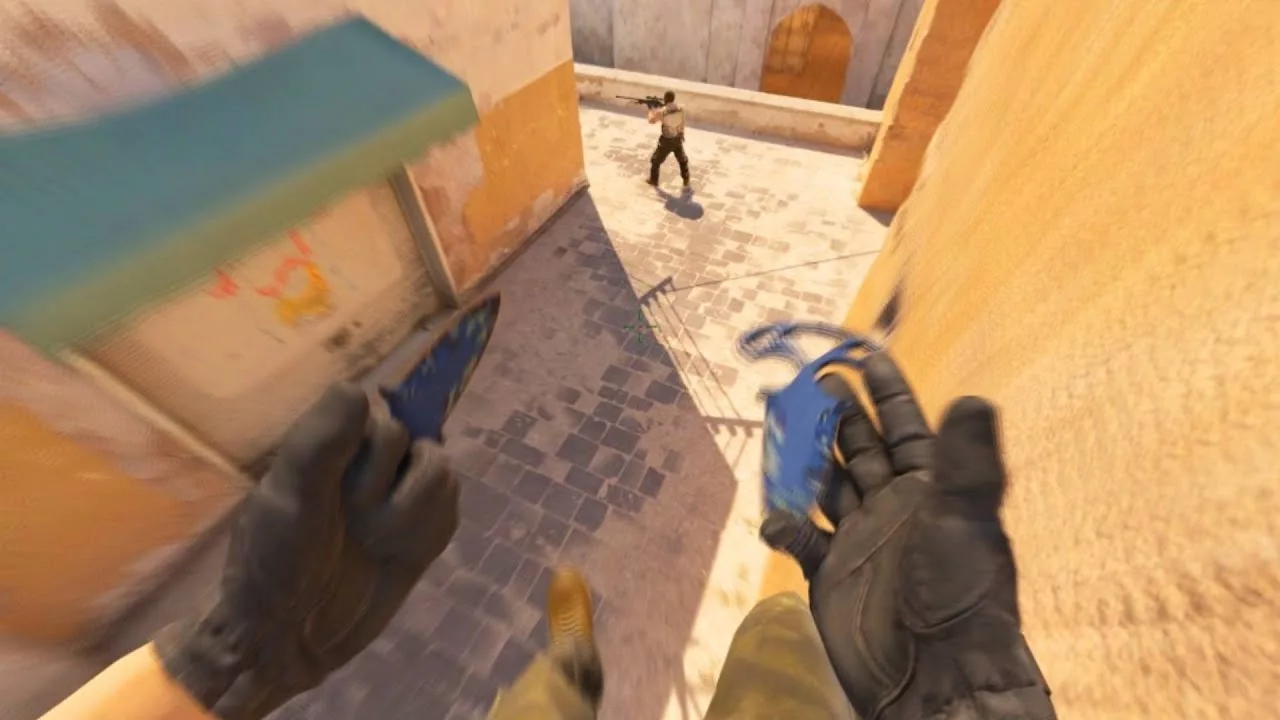


Two players can look at the same weapon finish in Counter-Strike 2 and genuinely disagree about its colour. One sees a muted olive, the other a bright acid green, and both are describing what is actually on their screen.
The difference is not taste and it is rarely the game. It sits in the panel, the colour mode and the handful of settings almost nobody revisits after the first week of ownership.
That matters more in this game than in most, because a large part of its visual culture is built around items whose entire appeal is how they look.
Skins Are a Harder Display Test Than Most Benchmarks
Weapon finishes in Counter-Strike 2 lean on subtle things. Gradients across a slide, faint pattern noise, metallic speculars and the gentle desaturation that comes with wear, all of which can vanish on a display that crushes shadows or oversaturates.
The game also puts them in awkward lighting. An inspect animation is brightly lit, a mid round glance on Nuke is not, and the same finish reads as two different items across those two moments.
Anyone who has picked a case reward on one machine and then felt disappointed opening it on another has met this problem already. Nothing changed except the hardware in front of them.
Previewing Skins Outside the Game
Because inspecting items in the client is slow, plenty of players do their looking in a browser instead. Preview galleries, wiki pages and simulators have become the normal way to see a finish before committing any attention to it.
Third party sites cover that ground. CS2 case opening platform GGSkins launched in 2025 and, alongside its main product, runs a free browser based case simulator covering more than 400 containers, taking in weapon cases, sticker capsules, souvenir packages and music kits.
The simulator shows the published drop rates rather than hiding them, listing the standard weapon case distribution of 79.92% Mil-Spec, 15.98% Restricted, 3.20% Classified, 0.64% Covert and 0.26% for a rare special item. Containers without officially published odds are labelled as using derived rates, which is a reasonable piece of honesty.
Results are stored in the browser with no account required, and the page states plainly that everything is simulated, with no real skins, no withdrawals and no cash value attached. It is an adult platform and independent of Valve, with the simulator being the part that carries no stakes at all.
For a hardware audience, the useful detail is that these previews are rendered by your browser, not by Source 2. That makes them a different colour pipeline entirely, which is where a lot of confusion starts.
Two Rendering Paths, Two Results
A browser preview is generally showing you a texture or a pre rendered image in a fairly plain sRGB context. The game is running that same material through engine lighting, tonemapping and whatever post processing is active.
Neither is wrong, but they will not match. A finish that looks punchy in a preview can arrive noticeably flatter in game, and the reverse happens just as often on darker skins.
Add a wide gamut panel with no clamp and the gap widens further. Browser content authored for sRGB gets stretched across a much larger space, which is why reds and greens can look almost radioactive outside a colour managed application.
The Settings That Actually Change Things
The single most useful control on most gaming monitors is an sRGB or gamut clamp mode. It restricts a wide panel back towards the colour gamut the content was made for, and it fixes more perceived colour problems than any amount of fiddling with saturation.
Gamma is the second one worth checking. A display sitting at 2.4 rather than 2.2 will bury detail in dark textures, which is exactly where a lot of finish work lives.
Panel technology then decides the rest. OLED gives you black levels that make dark skins legible in low light, while a good IPS holds up better in a bright room, and the monitor reviews that measure both are more useful here than any marketing figure.
HDR Is Its Own Argument
Counter-Strike 2 supports HDR output, and the results vary enormously by display. On a panel with real highlight headroom it can add genuine depth to metallic finishes, and on a mediocre one it mostly adds a washed out grey.
The practical test is simple enough. Look at a dark map with HDR on and off, and if shadow detail disappears in either state, that mode is not serving you.
Skins are a decent way to judge this, oddly. They contain more colour variety than the maps do, so they expose tonemapping problems that a grey corridor will hide completely.
Moving Forward
None of this changes how a skin actually is, since the item data is identical on every machine. What changes is the version of it you personally get to see, every session, for as long as you own it.
Setting a gamut clamp, checking gamma and deciding honestly whether HDR helps takes about ten minutes. For anyone who cares how their inventory looks, that is a better investment of effort than another argument about pattern indexes.


