



Introduction
ADATA introduced the SE880 a few years ago but has since dropped the Elite in the name, making it more into their mainstream line-up. Both drives still bear the same ratings and its 20Gbps rating still remains intact. With more devices now offering USB3.2 Gen2x2, video professionals that edit off their external SSDs have become more prevalent especially now with 4K footage now the baseline for professional production.
Aside from that, the ADATA SE880 is still a snappy drive and today we’ll check the new version, how it performs and how I feel it fits in today’s workflow in both video production as well general use which includes it as an external drive for both current-gen consoles (PS5/Xbox). Read on to find out more about the ADATA SE880 external SSD in this review!

Features & Specification
- Supports USB 3.2 Gen2 x2
- Performance up to 2000MB/s
- Highly portable, lightweight, and compact form factor
- Supports new generation game consoles
- Supports multiple operating systems support
| Attribute | Details |
|---|---|
| Color | Titanium Gray / Blue |
| Capacity | 500GB / 1TB / 2TB / 4TB |
| Dimensions (L x W x H) | 64.8 x 35 x 12.25mm / 2.55 x 1.38 x 0.48inch |
| Weight | 31g / 1.1oz |
| Interface | USB 3.2 Gen2 x2 Type-C (USB 20Gbps) |
| Sequential Read (Max*) | Up to 2000 MB/s |
| Sequential Write (Max*) | Up to 2000 MB/s |
| Operating system requirements | Windows 8 / 8.1 / 10 / 11 Mac OS X 10.6 or later Linux Kernel 2.6 or later Android 8.0 or later |
| Op. Temperature | 5°C(41°F) – 50°C (122°F) |
| Op. Voltage | DC 5V, 900mA |
| Accessories | USB 3.2 Type-C to C cable, USB 3.2 Type-C to A cable, Quick Start Guide |
| Warranty | 5-year limited warranty |
Official product page – ADATA SE880
Closer Look
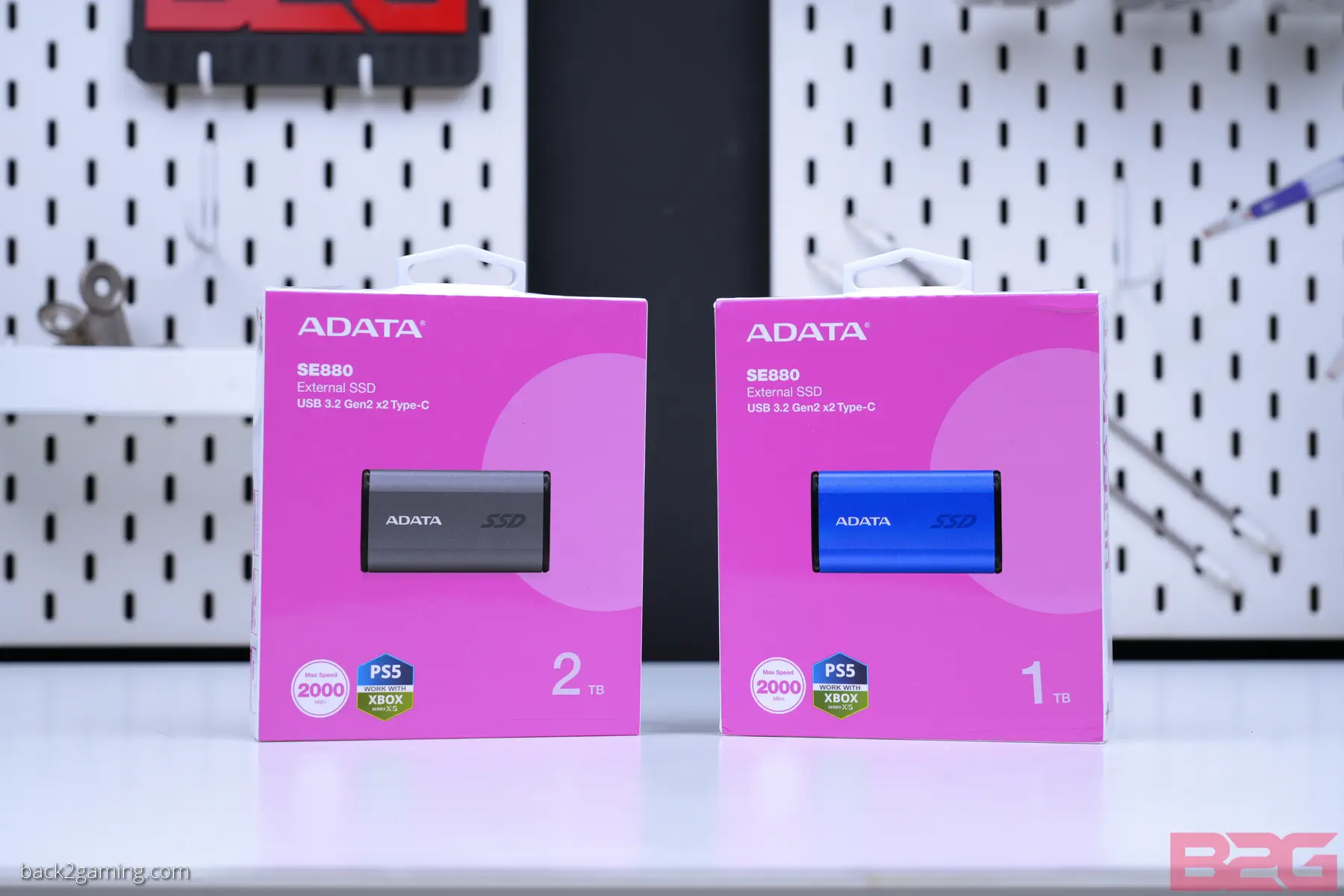
The ADATA SE880 is available in capacities of up 500GB all the way to 4TB. We have both 1TB and 2TB capacities in this review but first let’s take a look at the product’s packaging and physical design. First up: the packaging. Most reviews of the ADATA SE880 are from 2022 and feature a darker packaging style back when it was called the Elite 880.
ADATA has since dropped the Elite in the name and the ADATA SE880 now has a more brighter packaging with a bright pink box featuring a hero shot of the product in front. The actual photo in the box is the actual physical size of the product which I am only realizing as I’m writing this. The ADATA SE880 is available in both Titanium Grey and Blue housing colors and the color is indicated on the packaging via the product shot.

The back contains a quick detail sheet like the specs and dimensions but nothing much can be seen here.

Inside the package we have the ADATA SE880 SSD, a USB-C to USB-C cable, a USB-A to USB-C cable and a user guide.


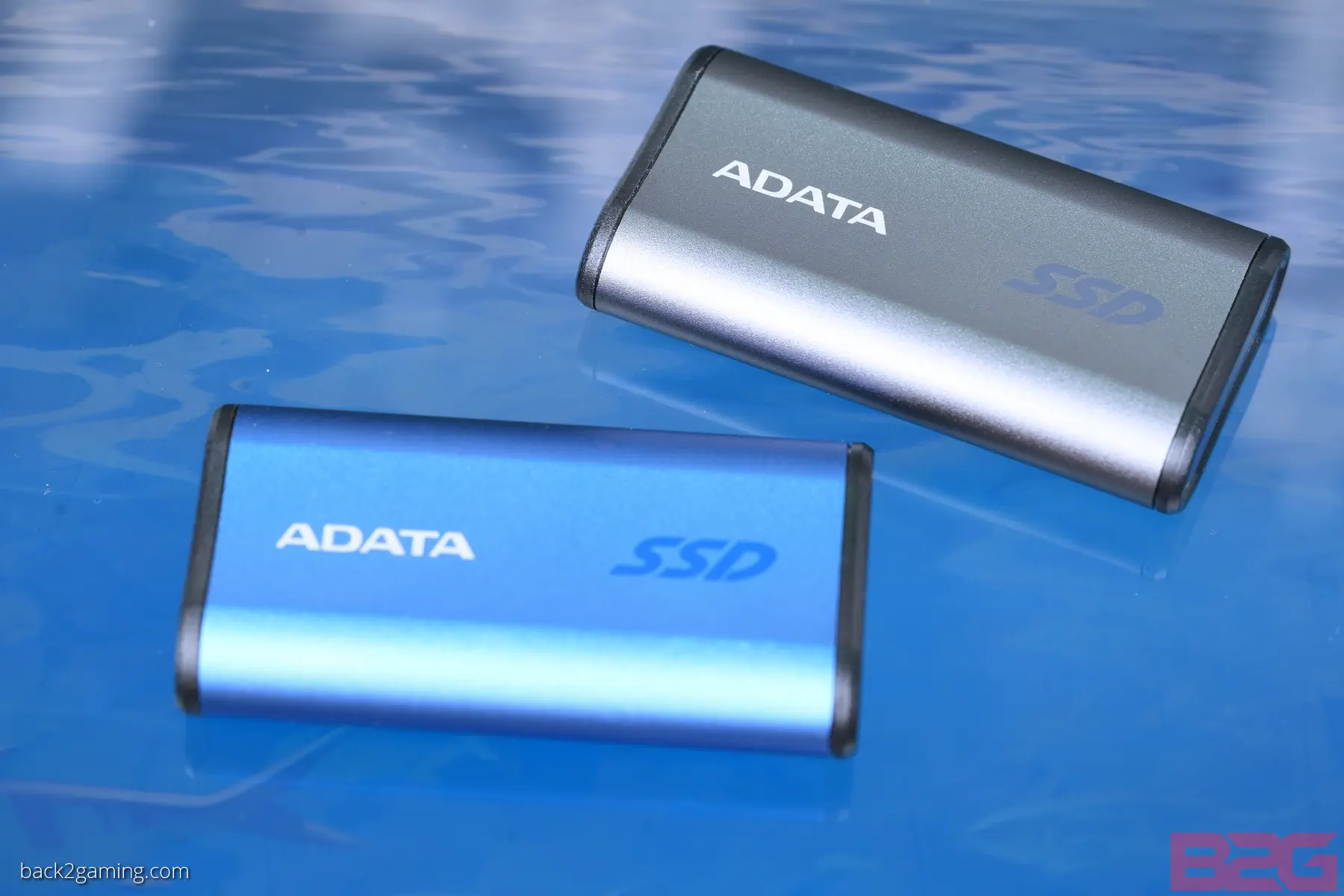
Depending on what you compare it to, the ADATA SE880 is still larger than a standard flash drive but is less than a third the size of a standard portable hard drive. Roughly 2.5″ long and 1/3 ” thick, the drive is only 31 grams making it very compact.

The housing is made of metal but ADATA makes no mention of it being ruggedized so while it may survive a fall or so, its not intended to be treated like an outdoor drive.
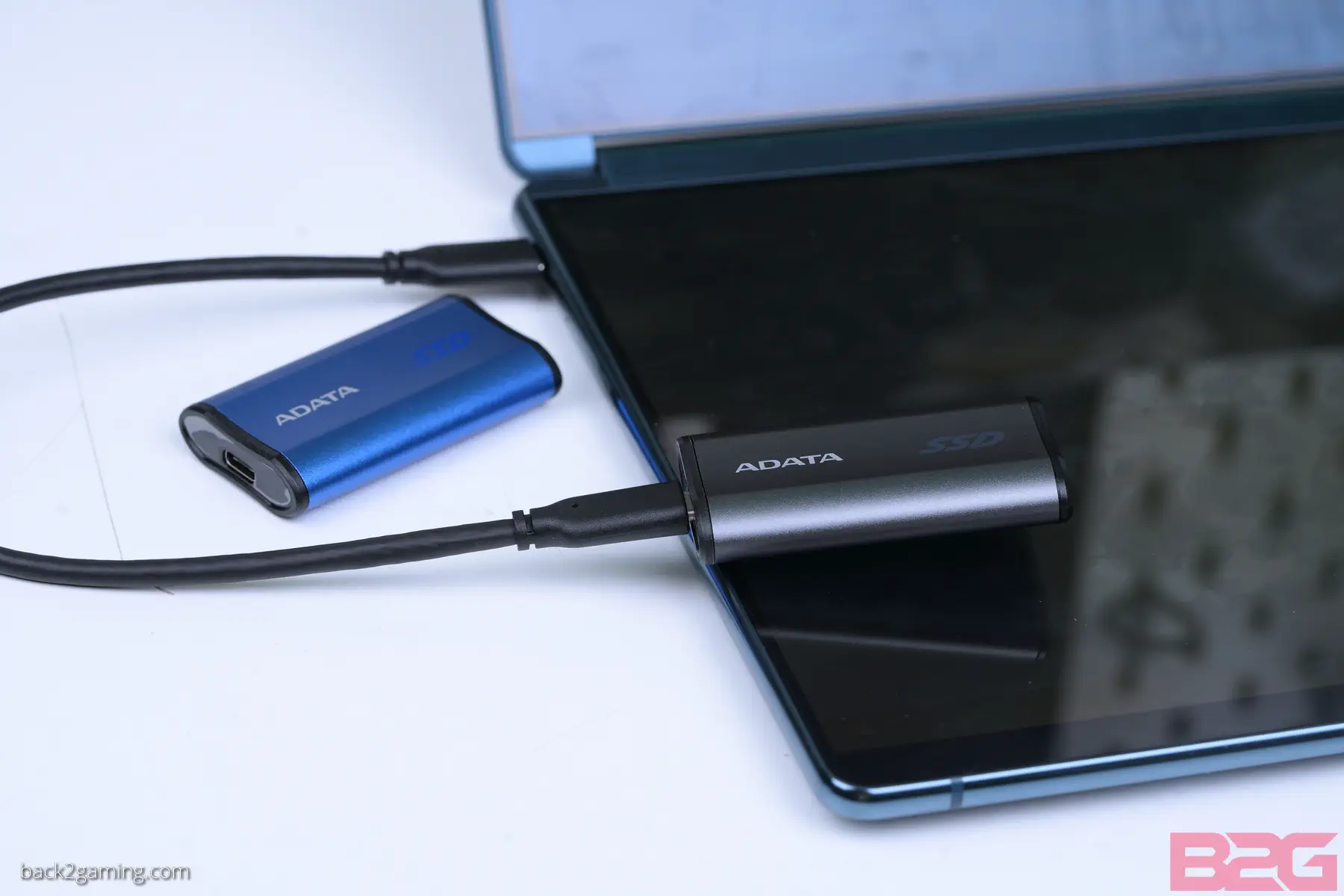
The primary interface is USB-C and connects with either included cable. Both interface type will work on any host device that support the full 20Gbps of the USB3.2 Gen2x2 standard with the ADATA SE880 compatible with lower speed interfaces like USB3.2 Gen2 10Gbps and USB3.2 Gen1 5Gbps.
Performance Testing
Test System
Processor: Intel Core i9-14900K
Memory: Kingston FURY Renegade DDR5-7600 C38 32GB
Storage: Kingston FURY Renegade 2TB SSD
PSU: FSP Hydro G Pro 1000W
Cooling: ROG Ryuo II 360 AIO Cooler
Monitor: ROG PG27UQ 4K 144hz HDR1000
For a full-hardware workout, visit https://benchmarks.ul.com for our system warm-up and stress test of choice. PCMark 10 and 3DMark both include a storage test that we include in some of our storage tests (mostly internal) but you can use it on any drive if you understand the usage scenario.
Write Speed for Video Usage

With modern video recording, write speed has become an integral part for the camera’s storage. Many cameras will have multiple varieties of bitrate e.g. Sony’s XAVC in 4K 60FPS will have a bitrate of around 960Mbps. To translate to the memory card you need, a quick lookup should give a you a rounded number of 120MB/s of sustained write speed to utilize this codec.
More advanced cameras will utilize SSDs for codecs like Apple ProRes or DNx. ProRes RAW 4K60 would usually require storage that can do 300MB/s. While these speeds are attainable with smaller storage media like SD cards and CFExpress, the capacity requirements will usually be a limiting a factor as in this setting, these cameras will record nearly 20GB per minute of footage. This is where external SSD support shines for cameras as those that don’t have proprietary storage slots and don’t have SATA support will either just use memory cards or hopefully, have external USB support.
While devices like the BlackMagic Cinema Pocket support USB-C SSDs, their internal speeds won’t reach 20Gbps. Still, if you’re production is fine with this, it allows great workflow transition as host devices that can utilize editing directly on drive would have a quicker turnaround on these drives.
For non-professional users, please refer to your camera guide for the best codec. For professional users or content creators, familiarizing with the best codec for your workflow is best to see which is the most appropriate storage for your budget.
Take note of limitations implemented by camera manufacturers with storage e.g. Sony disabling 4K H&Q when using slower storage media.
Gaming Storage
While all current PlayStation like the PS5 and Xbox Series X and S support external SSDs for game stroage, not all of them have 20Gbps support and will only run at 10Gbps with some games strictly demanding to run off internal.
Large Data Write Endurance
The test below shows a full write sequence at 1GB chunks over the entire drive space with no breaks. For the 2TB drive, the test was supposed to stop at 450GB but went on to 671GB total chunks. Immediately after writing has concluded, the data is read to show the read performance.
The 1TB capacity fared fairly well maintaining its write performance throughout with a small dip at the inital first 20GB which could just be a glitch but curiously the 2TB model seems to have tanked after 270GB which while large, is still a different result than the 1TB capacity. This could be due to differences in parts used but as this is a used test sample, it could just be wear from previous tests. Both drive did perform at the same throughput of rougly 1GB/s write average.
Crystal DiskMark
The key metric when testing external drives are its sequential speeds which are the ones usually listed on the box and its IOPS performance. While 4K read/write is still key, it only matter in general use where random file sizes are being moved around to show both extremes. As drives tend to perform worse with smaller file sizes, we include these numbers for a fair comparison.
ADATA makes it clear on their marketing this thing can do 2000MB/s and it sure does on both capacities. Write performance is also within rated specs but again, the 2TB drive is trailing by a hair. Small file performance is decent and matches closely with the rest of the SSDs in our test database.
User Experience & Conclusion
The ADATA SE880 competes with most 20gbps external SSDs and focuses on mobile video professionals as their main targets like SDE teams that cover events and need delivery in real-time. If these terms confuse you, that’s fine because even regular consumers can take advantage of the ADATA SE880 including gamers who may be recording gameplay clips on their PlayStation 5 or Xbox Series X but need a rapid way to move data back and forth their systems, especially a PC that has a USB3.2 Gen2x2 port to edit their gameplay clips.
Again, the ADATA SE880 is a USB3.2 Gen2x2 drive and your device must have a compatible port to fully maximize the offered bandwidth of this drive. Most mainstream to high-end motherboards as well as laptops from the past 2 years would probably have a compatible port especially those aimed a content creators but please be sure to check if you have one.
If you still insist on buying an ADATA SE880 because you plan to upgrade in the future, you’d still most likely be running at USB3.2 Gen2 10Gbps speeds which is still pretty fast and on most actual systems you’d use these in, those will probably be the native port with the ingest system being the sole 20Gbps station this thing lands on.

The use case for the ADATA SE880 is very specific and I’m not going to recommend it if you’re not going to take advantage of its full potential. If you just need fast external storage, the ADATA SC610 is a good alternative and very affordable. But for those that have workflow requirements to optimize their work, the ADATA SE880 is a great option.
ADATA backs the SE880 with a 5-year limited warranty.