



Introduction – ZOTAC GAMING RTX 3060 Ti Twin Edge OC

- Introduction – ZOTAC GAMING RTX 3060 Ti Twin Edge OC
- Power Draw, Clock Speed and Temperature – ZOTAC GAMING RTX 3060 Ti Twin Edge OC
- Test Setup and Methodology
- Counter-Strike: Global Offensive (CSGO)
- DOTA 2
- The Witcher 3: Wild Hunt
- Grand Theft Auto V
- Shadow of the Tomb Raider
- Call of Duty Modern Warfare (2019)
- Monster Hunter World: Iceborne
- F1 2020
- PlayerUnknown’s Battleground (PUBG)
- Apex Legends
- Destiny 2
- Valorant
- Conclusion
Its been 2 months now since we’ve seen RTX 30 series releases and the one thing common between these cards is how gigantic they are. Despite the fact that the RTX 30-series cards are remarkably easy to cool (they dip 5*C in a second once load is removed) and I’ve always wondered how a smaller cooler would fare. Then we got the RTX 3070 which had a slim dual-fan cooler with a modified blow-through cooler. Still, partner cards remained gigantic. ZOTAC did release a dual-fan cooler of their own for the RTX 3070, dubbed the Twin Edge. I noted in my review that despite its wider body, the ZOTAC RTX 3070 Twin Edge OC fits well into smaller builds. I’ve head readers sending in their ITX and mATX builds with this card and its quite impressive ZOTAC broke the big-ass cooler trend particularly the triple fan one for the RTX 3060 Ti.
NOTE: If you’re looking for the ZOTAC RTX 3060 Twin Edge review, Google confuses this review for the non-Ti version, you can hit my other review to see how that card performs.
As part of our launch coverage of the NVIDIA RTX 3060 Ti, in this review we’ll take a look at the ZOTAC RTX 3060 Ti Twin Edge OC. We also have our review of the NVIDIA RTX 3060 Ti Founders Edition and the ASUS TUF GAMING RTX 3060 Ti OC.

Following the theme of the Twin Edge lineup from ZOTAC, the RTX 3060 Ti Twin Edge OC features a smaller dual-fan cooling solution. The large overhang of the RTX 3070 Twin Edge OC is now gone and the footprint of this card is more reminiscent of older RTX 2060 SUPER or lower cards. This makes highly compatible with a lot of cases.
 Other than that, there’s not a lot of bells and whistles on the ZOTAC RTX 3060 Ti Twin Edge OC and ZOTAC is keeping it lowkey as well, compressing the card to a tight 2-slot height. The overall length of the card is also short and much of the discussion we’ll have about this card is about its size. Spoiling what we have for the conclusion: this card is performance-to-volume leader for the RTX 3060 Ti we’ve tested and while the Founders Edition may have something to say about that, this card packs a factory OC and lighter cooling solution against the FE.
 ZOTAC is also quite conservative on RGB for their Twin Edge lineup. I’d have expected at least another spot where we got RGB but this card only has a light logo for the ZOTAC Gaming brand. The rest of the card is covered with a backplate with slits for design and black cooler at the bottom.
| RTX 3060 Ti | RTX 2060 SUPER | RX 5700 XT | RTX 2080 Ti FE | RTX 3080 FE | RTX 3070 FE | |
|---|---|---|---|---|---|---|
| Architecture | Ampere | Turing | RDNA | Turing | Ampere | Ampere |
| Stream Processors/ CUDA Cores | 4864 | 2176 | 2560 | 4352 | 8704 | 5888 |
| Boost frequency | 1665Mhz | 1650Mhz | 2010 Mhz | 1635Mhz | 1710 MHz | 1725 MHz |
| Memory | 8GB GDDR6 | 8GB GDDR6 | 8GB GDDR6 | 11GB GDDR6 | 10GB GDDR6X | 8GB GDDR6 |
| Memory bus | 256-bit | 256-bit | 256-bit | 352-bit | 320-bit | 256-bit |

As the name implies, the ZOTAC RTX 3060 Ti Twin Edge OC packs a factory overclock of up to 1695Mhz. As always, NVIDIA’s GPU Boost will happily takeover and ignore this setting in most gaming scenarios.
Closer Look – ZOTAC GAMING RTX 3060 Ti Twin Edge OC


Power Draw, Clock Speed and Temperature – ZOTAC GAMING RTX 3060 Ti Twin Edge OC
We use Final Fantasy XV Benchmark to simulate a gaming workload but for those looking extreme loads, we do put our cards through 3DMark Time Spy on first installation for stress testing to check for stability. For our reviews though, we use Final Fantasy XV to simulate a true gaming scenario. Power draw is captured inline via PCAT or Powenetics so no other components affects readings. Readings are taken from the average 15 minutes for both load and idle.


Now let’s take a look at how the GPU clock behaves in relation to temperatures. As GPU Boost gives these cards massive overclocks already, cooler temps influence performance further. This chart shows us when the card behaves best based on our lab environment:
 I expected this card to perform just a little bit below the TUF GAMING and FE but surprisingly, its not by a wide margin. At around 1864Mhz, this card floats just below 70*C. In another surprising twist, its not a noisy card. The fan duties around 70% and doesn’t rev up to an obnoxious level which is a good benchmark of just how much you need to cool a 3060 Ti.
Test Setup and Methodology
Processor: Intel Core i9 10900K
Memory: G.Skill TridentZ DDR4-3600 32GB
Storage: Patriot Viper VP4100 1TB, Kingston KC2000 1TB
PSU: Seasonic Platinum 1050w
Cooling: Corsair H150i Pro 360mm AIO
Monitor: ROG PG27UQ 4K 144hz HDR1000
Graphics Card: Listed

For a full-hardware workout, visit https://benchmarks.ul.com for our system warm-up and stress test of choice.
For benchmarking methodology please see our game benchmark method guide.
Test results are gathered and produced on CapFrameX. This makes it easier for use to get both line graph comparison and raw averages without extra tools. Simply the easiest tool for benchmarking and its available for everyone to use, free of charge. Check it out at capframex.com.
Since this is a GPU review, we benchmarked the area of the games that put heavy load on the GPU.
All our test runs are repeatable, click the links below for area and details. Read our benchmarking methodology.
- DOTA2 – Kiev Major Grand Finals Game 5: OG vs Virtus.Pro (54:05 – 55:05)
- Counter-Strike: Global Offensive: FPS Benchmark Workshop Map
- The Witcher 3 – Woesong Bridge
- Grand Theft Auto V – Palomino Highlands
- Rainbow Six: Siege – Benchmark Mode
- Shadow of the Tomb Raider – Kuwaq Yaqu
- Call of Duty Modern Warfare 2019 – Fog of War
- Monster Hunter World: Iceborne – Wildspire Waste
- F1 2020 – Benchmark Mode (Australia, Day, Clear)
- Apex Legends – Firing Range
- Valorant – Custom Game
- Destiny 2 – The Tower
All of our benchmarks are demonstrated to our audience thru livestream for verification purposes and insights from our readers/audience. Livestream are done on Back2Gaming’s Facebook page. You can also see some of our benchmark scenes in our Youtube playlist for benchmark sequences.
Our selection of games are decided by technology, genre and overall popularity. For example, we picked DOTA2 versus League of Legends because of the graphical intensity that DOTA2 places on the system versus League and Heroes of the Storm. CSGO and Rainbow Six Siege were re-added in 2020 due to their immense popularity, much like GTA V and Monster Hunter World which has not faded in popularity or has seen slow decline but is still played by a large playerbase. Games like Witcher 3 and Shadow of the Tomb Raider are great technological examples. F1 2020 is a genre example.
Apex Legends and Valorant will be making their debut in our tests starting with this review. I’ve put more than 200 hours of gameplay to verify that test scenes used are reliable enough to simulate real world situations.
Note: Some proprietary technologies of NVIDIA like PCSS, HBAO+, and HairWorks work on AMD GPU’s BUT to maintain uniformity amongst GPUs, these have been turned OFF. NVIDIA Reflex is also disabled when present.
You can click on any of the benchmark charts enlarge. You can also move forward and backwards to quickly navigate through our charts via gallery view. For this test, only the out-of-box normal mode will be tested.

Counter-Strike: Global Offensive (CSGO)
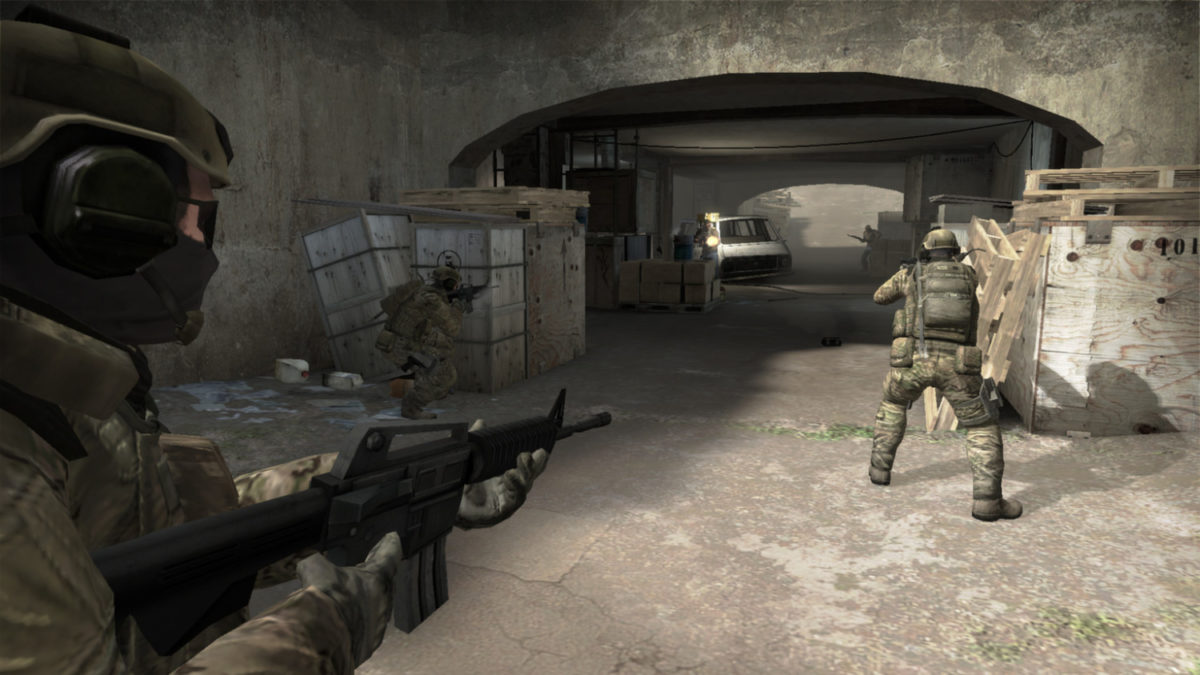
Counter-Strike: Global Offensive, popularly known as CSGO, competes for Steam’s most popular game. It has found a resurgence in its popularity and has recently peaked in 2020 in the number of players that play the game. Based on Valve’s Source Engine, the game received major asset overhauls during the years since its inception nearly 10 years ago. Still, it’s a light game and can be played on fairly lighter systems but the competitive scene for CSGO has seen average players demand high FPS from their systems thus gaining favorable standing with GPU vendors just from the demand for higher FPS alone. CSGO is a game that can easily go past 500FPS on enthusiast systems on maximum settings. We’re including CSGO as requested by our community.
API: DirectX9 (default)
Maximum In-Game Settings
Texture Streaming Disabled
Vsync OFF


DOTA 2
Note: JUNE 2020 – DOTA2 has recently implemented a transition from DirectX9 to DirectX11 and new install of the game will prompt users to switch from DX9 to DX11. With that said, we are testing DOTA2 in DX11 from now on.
In contention for the most popular game on Steam and the biggest competition in eSports: DOTA 2 is powered by the Source 2 engine. The game is fairly light on low to medium settings but maxed out, with heavy action on screen especially during clashes, can really stress most systems. This is a game where frame times matter as responsiveness is very important in high-stakes competition. We’re looking at consistently low frametimes in this game for the best experience
Our test uses actual game replay, using the segment from game 5 of the Kiev Major 2017 Grand Finals between OG and VP. The clash during the 54:05 to 55:05 of the game is a nice example of how much a system will get punished during intense team fights in DOTA2.
You can watch the replay of the actual game used in the benchmark here in Youtube or download the replay file here for your DOTA2 client: Game 3149572447. (save it to your DOTA2 replays folder)
API: DirectX11 (default)
Best-Looking slider setting (Ultra)
FPS_MAX 240
Vsync OFF


The Witcher 3: Wild Hunt
CD Projekt Red’s latest installment in the Witcher saga features one of the most graphically intense offering the company has to date. As Geralt of Rivia, slay monsters, beasts and men a
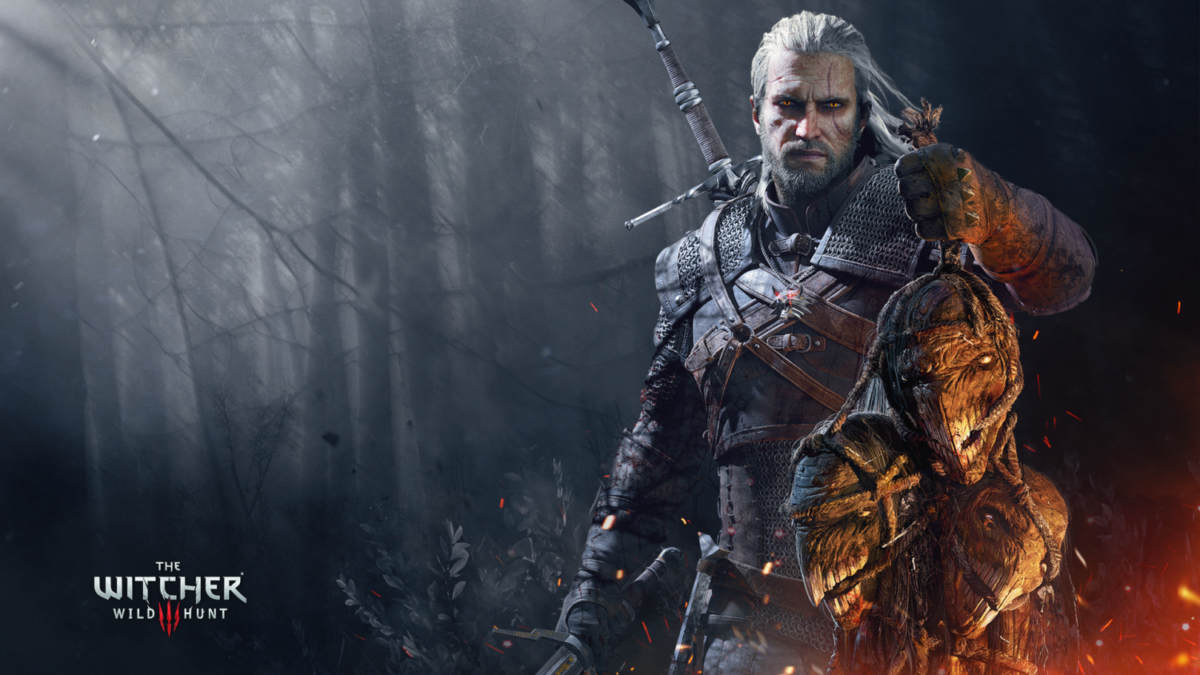
s you unravel the mysteries of your past. Vast worlds and lush sceneries make this game a visual feast and promises to make any system crawl at its highest settings. This game has found great resurgence in its playerbase thanks to the release of Netflix’ Witcher series.
API: DirectX 11
Frame Rate: Unlimited
Nvidia HairWorks: Off
Ultra Settings
Motion Blur: Off
Blur: Off
Anti-aliasing: On
Bloom: On
Sharpening: High
Ambient Occlusion: SSAO
Depth of Field: On
Chromatic Aberration: Off
Vignetting: On
Light Shafts: On
VSync OFF


Grand Theft Auto V
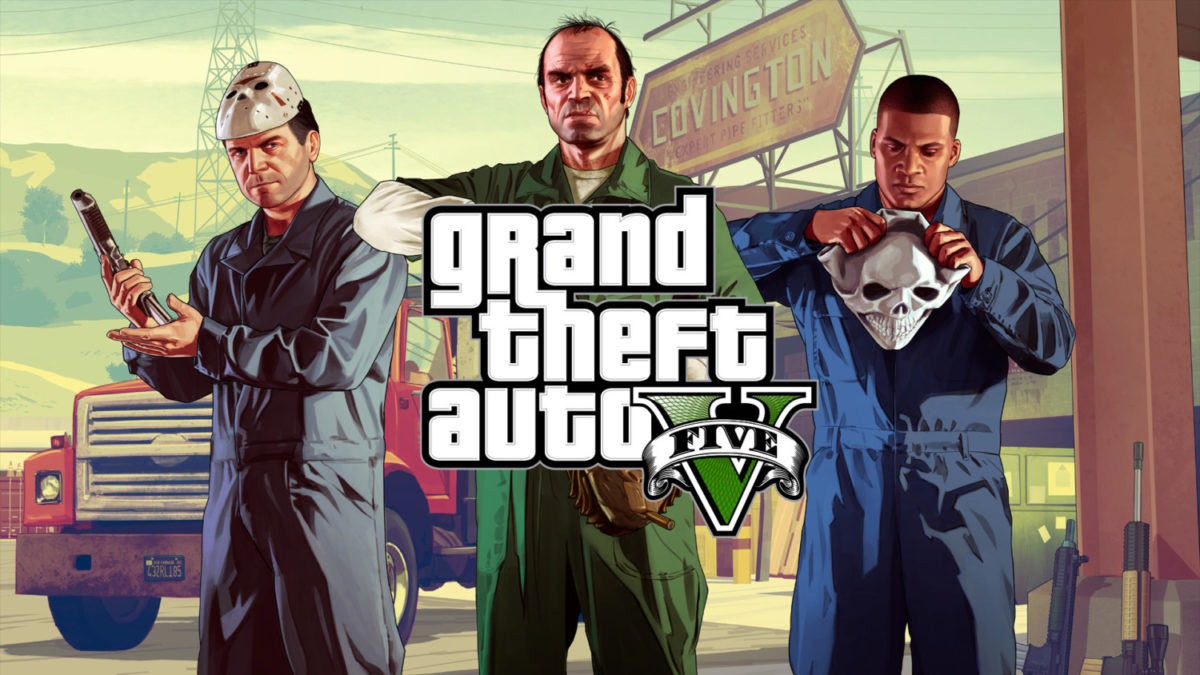
The fifth and most successful installment to date in the highly controversial Grand Theft Auto series brings a graphical overhaul to the PC version of GTA V which many have lauded as a superior approach in porting a console game to PC. Featuring large areas and detailing, GTA V is a highly challenging application in terms of scene complexity.
Our benchmark uses a run from Palomina Highlands running through a lush area to a remote road all the way to a neighborhood in our car to simulate multiple scene changes.
API: DirectX 11
FXAA Off
MSAA 4x
TXAA Off
Very High settings
Anisotropic Filtering: 16x
Motion Blur disabled
Advanced Graphics enabled
Vsync OFF


Shadow of the Tomb Raider
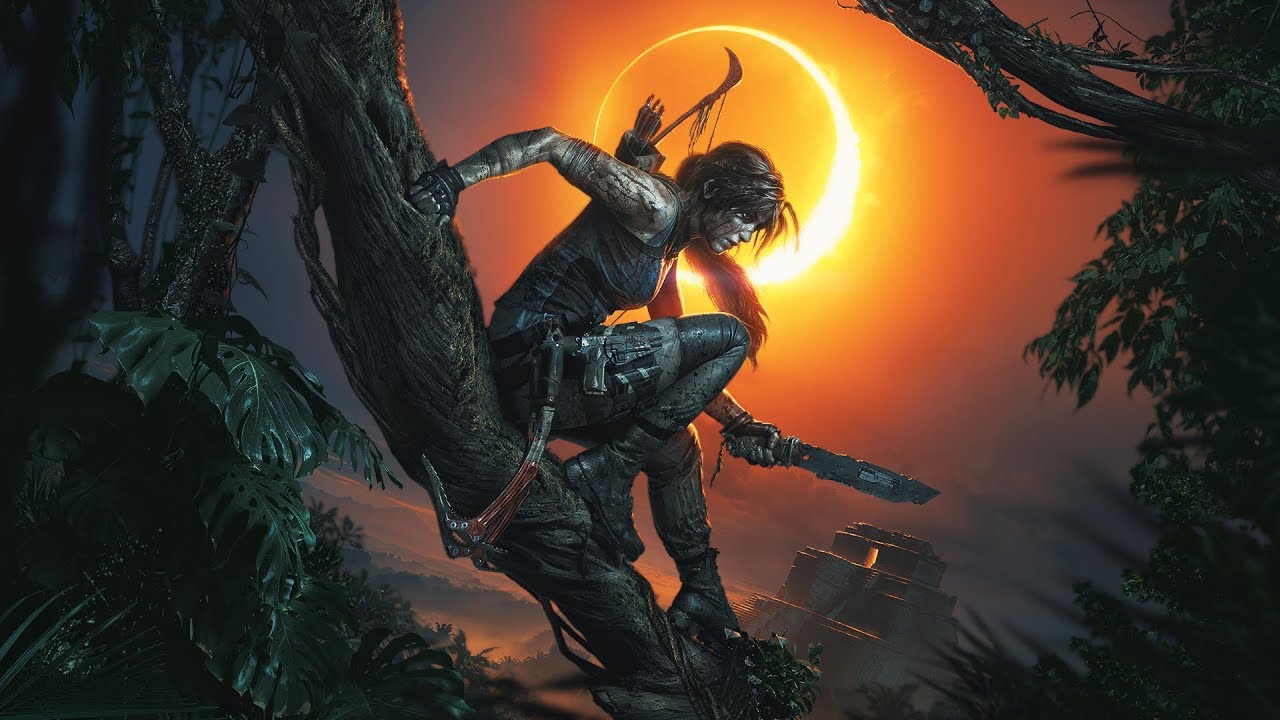 Shadow of the Tomb Raider is the latest installment in the reboot run of the classic Tomb Raider franchise. The game follows the story set forth by the previous game which Shadow of the Tomb Raider short follows after. Technology-wise, the game uses the Foundation engine updated to meet the demand of developer Eidos Montreal to push the engine to its limits. The game supports DirectX 12 and is one of the launch titles to support RTX technology namely DLSS which launched a couple of months post-launch.
API: DirectX 12
Graphics Settings Preset: Highest
Texture Quality: Ultra
Texture Filtering: 8x Anisotropic
Anti-Aliasing: TAA
DLSS: OFF
Raytraced Shadow: OFF
Vsync OFF


Call of Duty Modern Warfare (2019)
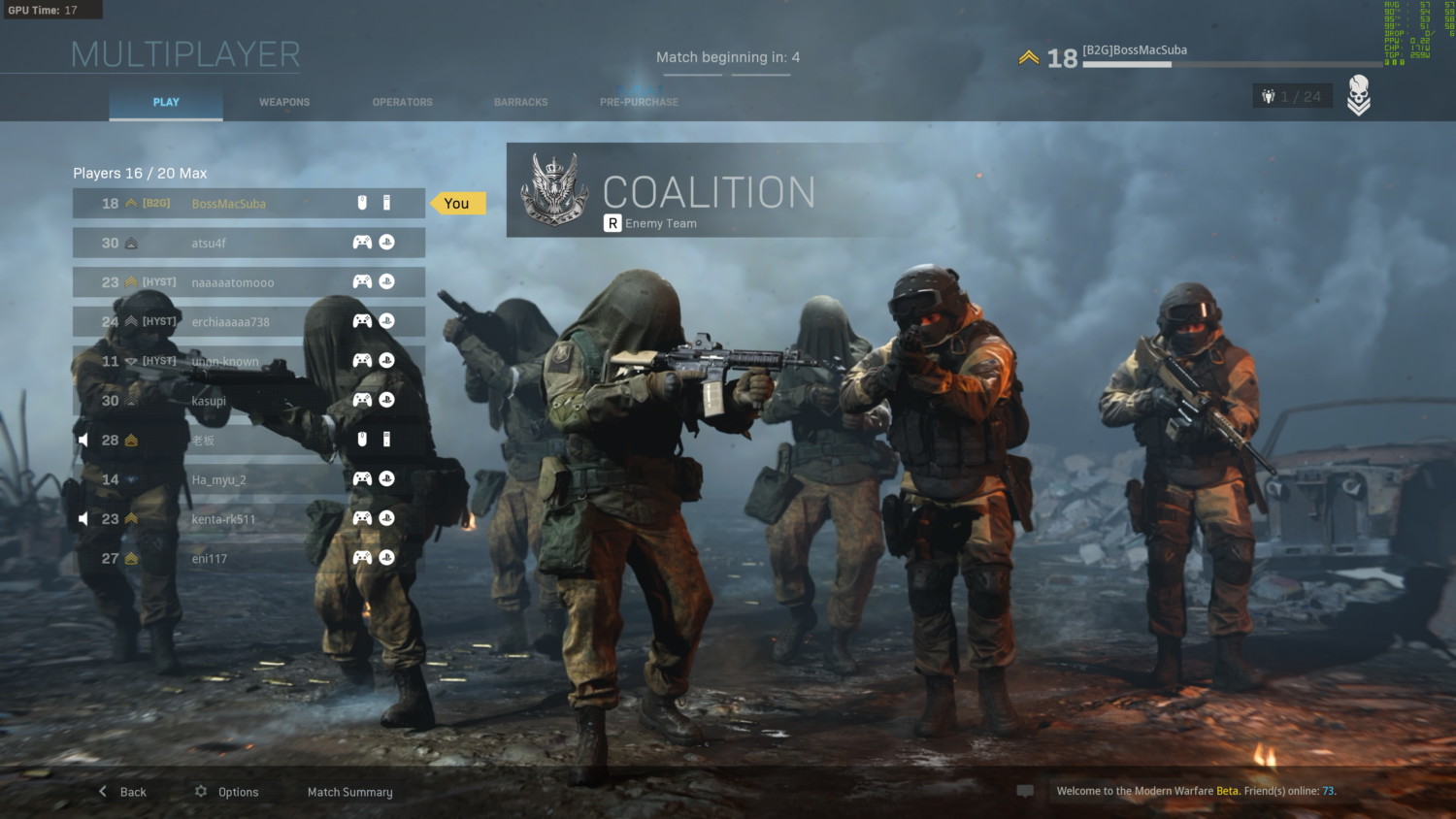
Call of Duty Modern Warfare is a reboot of the original Call of Duty 4: Modern Warfare storyline, set in a different world where you, along with Captain Price have to stop the world from going to war. Call of Duty Modern Warfare reignites the franchise by introducing full crossplay support where Xbox and PS4 players can play together with PC players. On PC, the game features a new engine pushing photorealism for COD far beyond what their older engine is capable of. The new engine also introduces raytracing and the AI is designed to perceive light as well. With a revitalized multiplayer arena, the game will require fast frame rates.
API: DirectX 12
Render Resolution: 100%
Texture Resolution: High
Texture Filter Anisotropic: High
Particle Quality: High
Tessellation: All
Shadow Map Resolution: Extra
Particle Lighting: Ultra
DirectX Raytracing: OFF
Ambient Occlusion: Both
Anti-Aliasing: Filmic SMAA T2X
World Motion Blur: Off
Vsync: OFF
Shaders Installed before benchmarks*


Monster Hunter World: Iceborne
Easily Capcom’s most successful game to date. Available in both consoles and PC, Monster Hunter World ranks in Steam’s top played games for the platform. The 2020 Iceborne update for PC brings the game to new PC frontier, introducing DirectX 12 support. The game features rich graphical detail settings and an Ultra HD texture pack for highend gamers. MHW’s features fast-paced action with traditional RPG farings and has captured a new market thanks to the transition from portable.
Our benchmark for this game uses an expedition track in the Wildspire Waste Southwest Camp (Area 1) and finishes in the Rathian nest at Area 12 in the caves. This run gives us runs from barren area, to watery area with lush vegetation to a cave which replicates the varied nature of exploration and monster combat in MHW.
API: DirectX 12
Graphical Settings: Manual (customized from High)
All variable settings set to High
Image Quality: High
Anti-Aliasing: TAA
Max LOD Level: No Limit
Volume Rendering Quality: High
Motion Blur: Off
DLSS and AMD FidelityFX: OFF


F1 2020
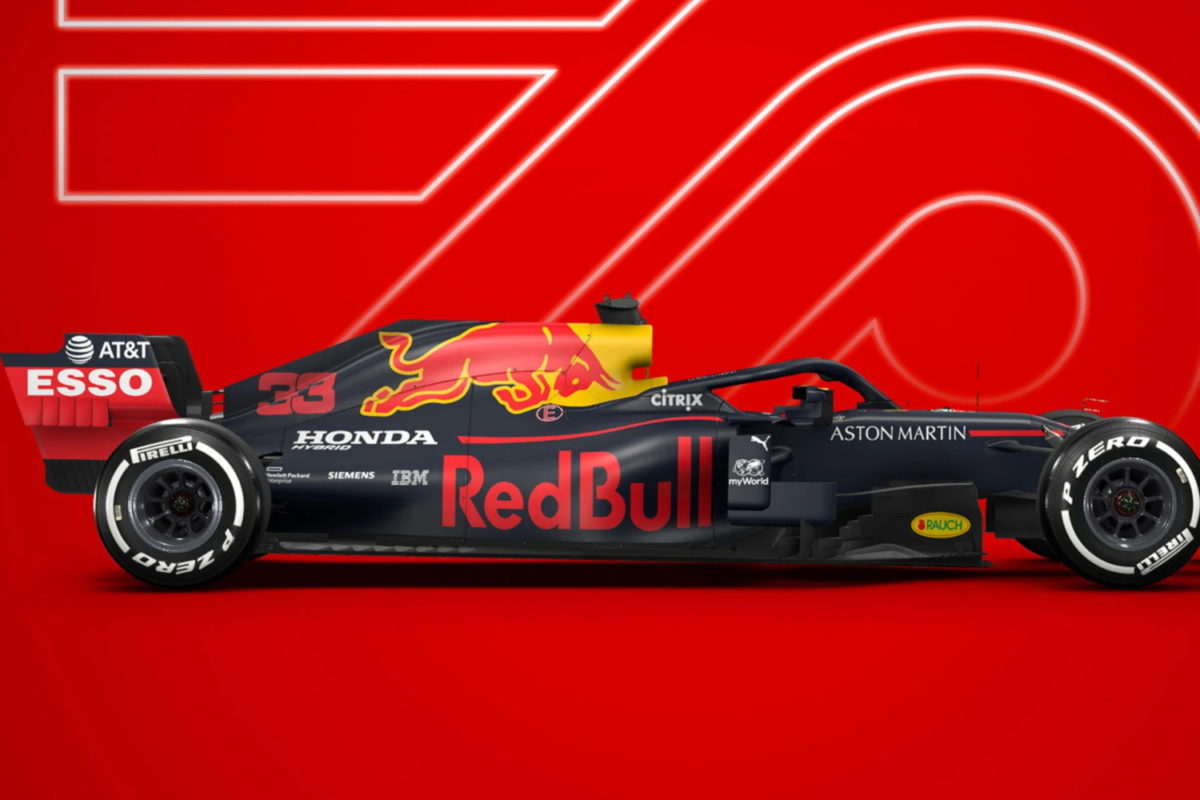
The latest iteration of the F1 series from CodeMasters features support for DirectX 12 as well as more photorealistic graphics than ever. Now heavily featured in the official F1 esports scene, much attention has been given in the development of this game particularly for added realism.
API: DirectX 12
Settings: Ultra High
Vsync: OFF


PlayerUnknown’s Battleground (PUBG)
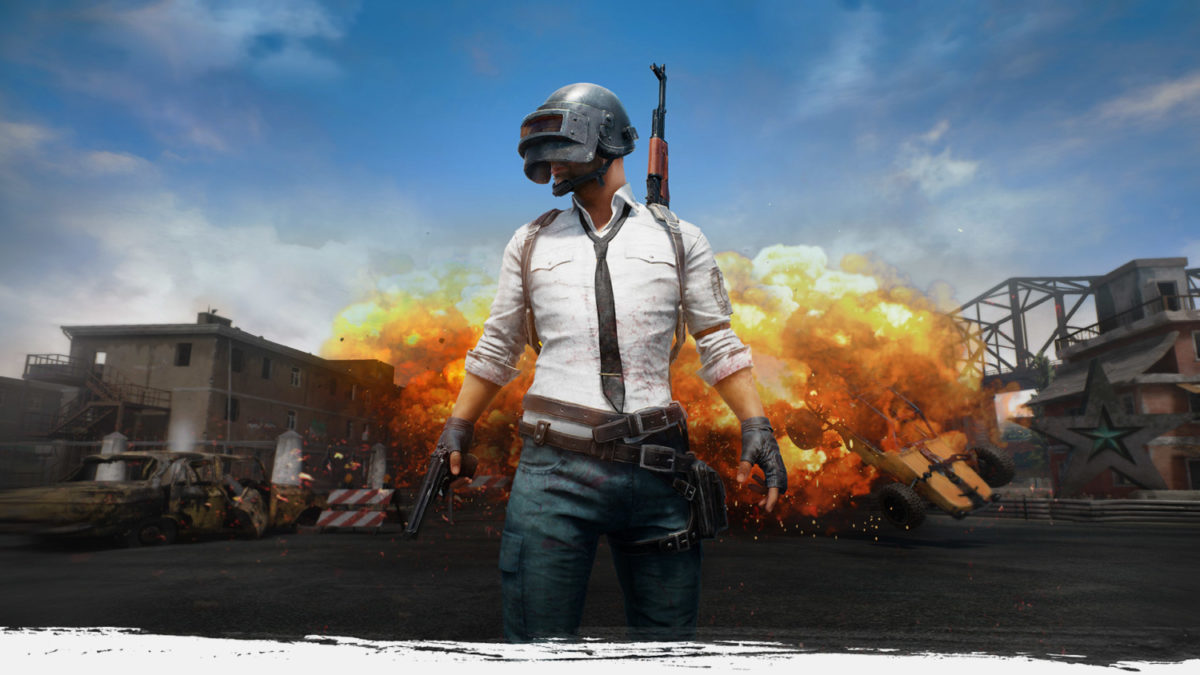
Developed by South Korean company Bluehole, PlayerUnknown’s Battlegrounds was an ARMA3 mod which has gained a massive global playerbase after being released as a stand-alone game. The game is now available for almost all platforms from PC to mobile but PC has been the definitive edition of the game. The game has evolved much since its release, receiving multiple polish to arrive at its current state.
API: DirectX 11
Settings: High
Vsync: OFF


Apex Legends
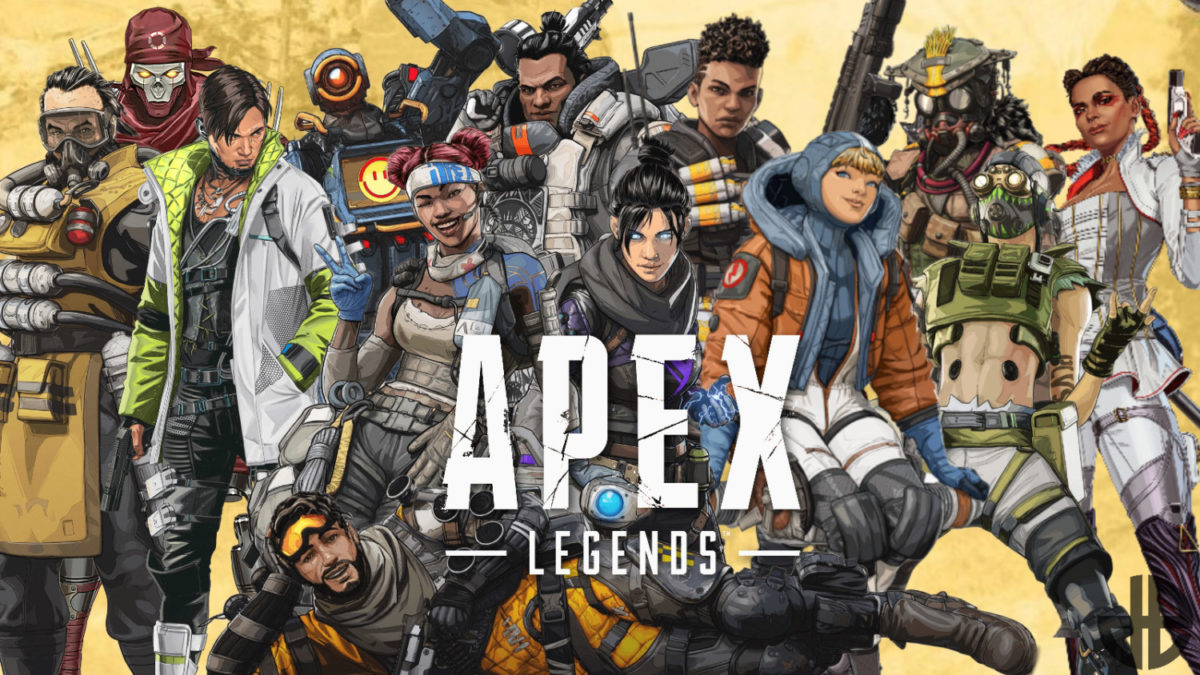
The battle royale genre sees multiple titles emerge and Respawn Entertainment’s most successful title to date, Apex Legends differentiates itself from main rival PUBG as it presents itself in true, fast-paced FPS. Existing in the same universe as Titanfall, Apex Legends sees contenders in traditional battle royale elimination format but gameplay heavily gears towards more familiar FPS mechanics. As a Respawn Ent. game, its closer to COD versus PUBG’s more sluggish and heavier gameplay.
API: DirectX 11
Settings: High
Texture Streaming Budget: 6GB VRAM
FSP Cap Disabled
Vsync: OFF


Destiny 2

Destiny 2: New Light is an MMOFPS which sees a persistently sizable playerbase. The game features traditional MMO elements but played in an FPS approach which allows a more skill-dependent game versus traditional MMORPG formats. The game features a futuristic sci-fi universe with lush and detailed in-game locations that puts respectable workload on a gaming system.
API: DirectX 11
Settings: Highest
Vsync: OFF


Valorant
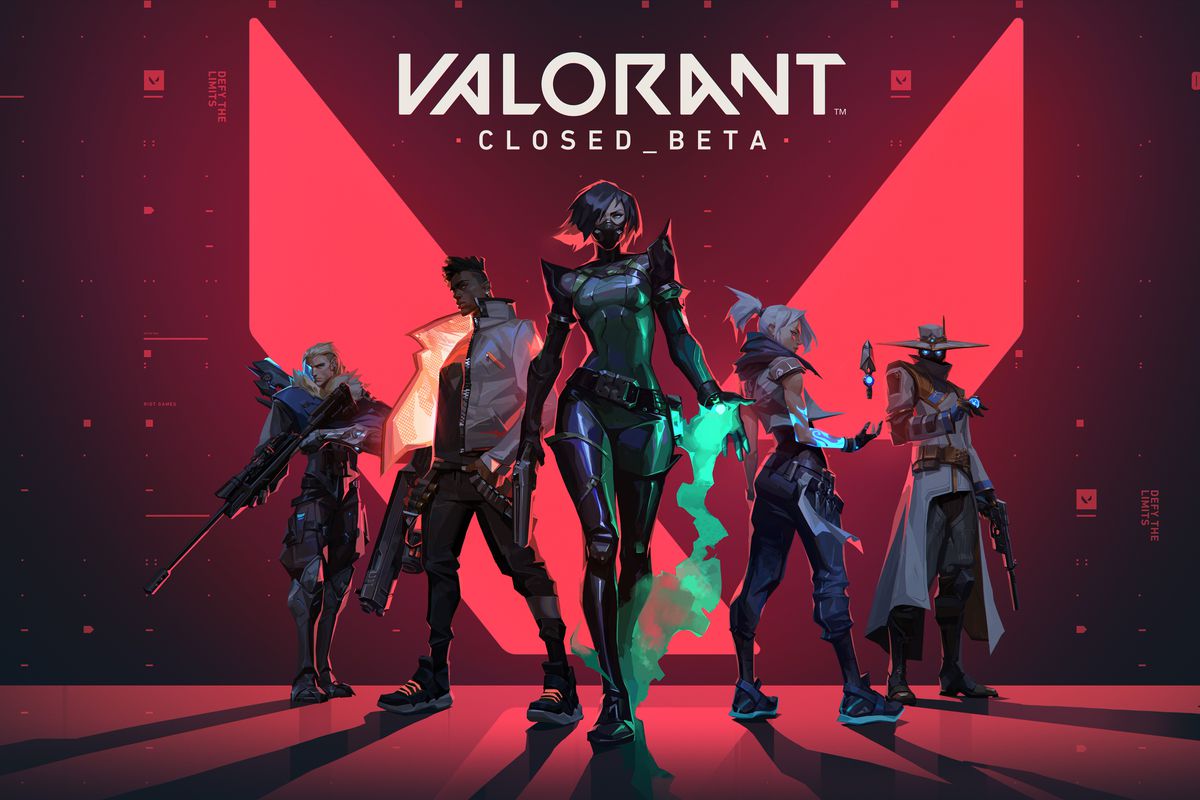
Developed by League of Legends developer, Riot Games, Valorant is a first-person shooter featuring multiple heroes or agents which have unique skills to assist them within the games traditional team-based FPS combat. The game is gaining incredible success and has taken a large chunk of the now-incredibly massive CSGO playerbase as well, presenting a more refreshed take on classic TDM FPS but spices it up with skills, etc. Like CSGO and League, this game is light as a feather for the largest adoption possible. With 360hz monitors and input lag/system latency a major focus for these games, we’re now including it as reference for players.
API: DirectX 11
Settings: Max in-game details
Anti-Aliasing: MSAA x4 (highest in-game)
NVIDIA Reflex: Off
Vsync: OFF


Conclusion
The reality is that the RTX 3060 Ti is a credibly, great performing card for its price. Covering fast esports-based 1080p gaming or 1440p all-around gaming, its definitely a graphics card that does it all. If you’re on a 2080 SUPER or a 2080 Ti, you’re obviously still well off unless you jumped on the 3080 bus but generally speaking, the RTX 3060 Ti targets mainstream upgrades and builders like a true xx60 class should. Its an xx60 Ti for sure but its what we have right now and as I mentioned in our NVIDIA RTX 3060 Ti Founders Edition Review, to really gauge the value of this card, we’ll need to see what’s on the lower end. Since NVIDIA sits this card $100 below the RTX 3070, there’s still some wiggle room there for another SKU to fit in, something AMD has targeted over the year.
That being said, for many budget builders and upgraders, brands like ZOTAC who have leaned more on the consumer-friendly price range have had great success. That said, many users will gravitate towards ZOTAC especially in a pricing war between brands. In terms of performance, we do see very minimal variance in terms of performance, seeing even a heavily cooled card not offer much against the ZOTAC RTX 3060 Ti Twin Edge OC. That leaves much of the decision to looks and specific use-cases like compatibility to your casing.
The ZOTAC RTX 3060 Ti Twin Edge OC is a tiny card compared to its same-class counterparts. This makes it an easy choice for relatively more spacious ITX builds like on the InWin A1 or Lian Li TU150. Roomier cases, of course, will offer more options but for those that like to keep it small, this card does well. As you saw in our temp chart, this card stays below 70*C on load in 28*C. A relatively tight case would be a bit warmer particularly for us here in the Philippines but as long you got managed airflow, this card can handle more heat.

At the end of the day, its down to your specific situation and personal preference. Unlike the TUF GAMING RTX 3060 Ti, this card is easier to work with but its smaller footprint may leave some people scoffing at it from a value standpoint, scaling the card’s size to cost. This is pretty much the case with most RTX 30 cards, employing massive cooling despite a more modest requirement. Of course, again, better cooling rewards you with the Ampere cards and in the case of the ZOTAC RTX 3060 Ti Twin Edge OC, ZOTAC has found a nice threshold of controlling heat without going overboard on cooling.
Ultimately, this is going to be one of my top recommendations for an RTX 3060 Ti. Its potential market positioning plus highly-compatible size makes it the “every-card” that can fit both a performance role as well as a a blackout aesthetics role. Whichever route you go for, the ZOTAC RTX 3060 Ti Twin Edge OC delivers great performance for its size.
ZOTAC backs the RTX 3060 Ti Twin Edge OC with an extended 5-year warranty. We give it our B2G Silver Award!

- Excellent performance jump from RTX 2060 Super
- RTX 2080 Super performance for less
- Decent cooling performance
- 2-slot design
- “Normal”-sized cooler
- Great case compatibility
- 5-year extended warranty upon registration, 3-year standard.
- Lighter build may turn off some
- No fan lighting


