

Introduction
ARCTIC has had a string of success in their products in the last 5 years thanks largely to their increasing efforts in value. Their Arctic P-series fans have garnered universal praise and how best to demonstrate your fan performance than with a product that benefits from good fans. Today we’ll be reviewing the third iteration in ARCTIC’s Liquid Freezer line-up of CPU coolers with the ARCTIC Liquid Freezer III AIO CPU cooler.
We’ll be focusing on the 360mm version for this review. A popular rad size of choice for those looking for powerful cooling but ARCTIC but unlike other brands that go with sub-30mm radiators, ARCTIC is using thicker 38mm radiators that even with very low fan speeds, can support higher thermal loads.
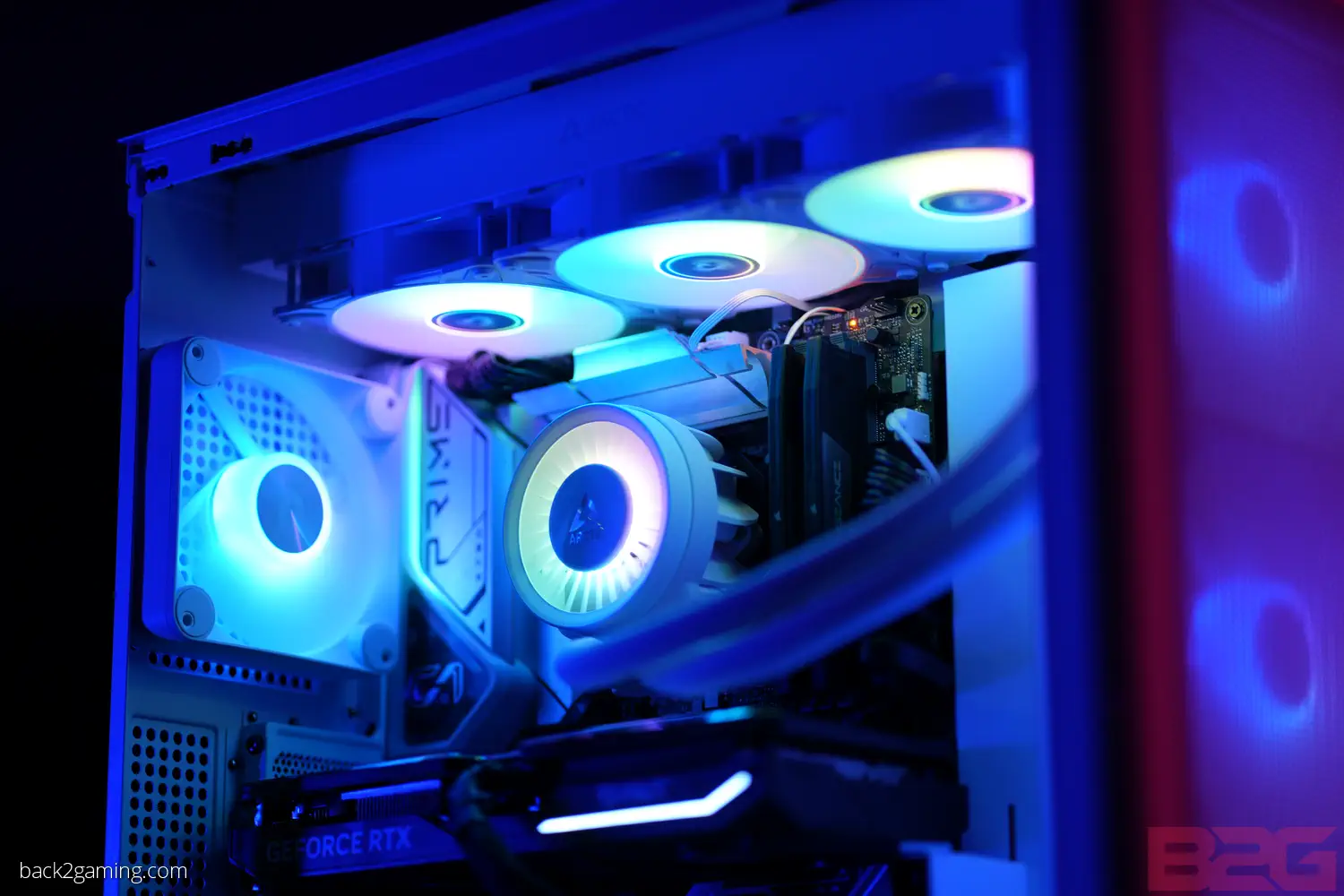
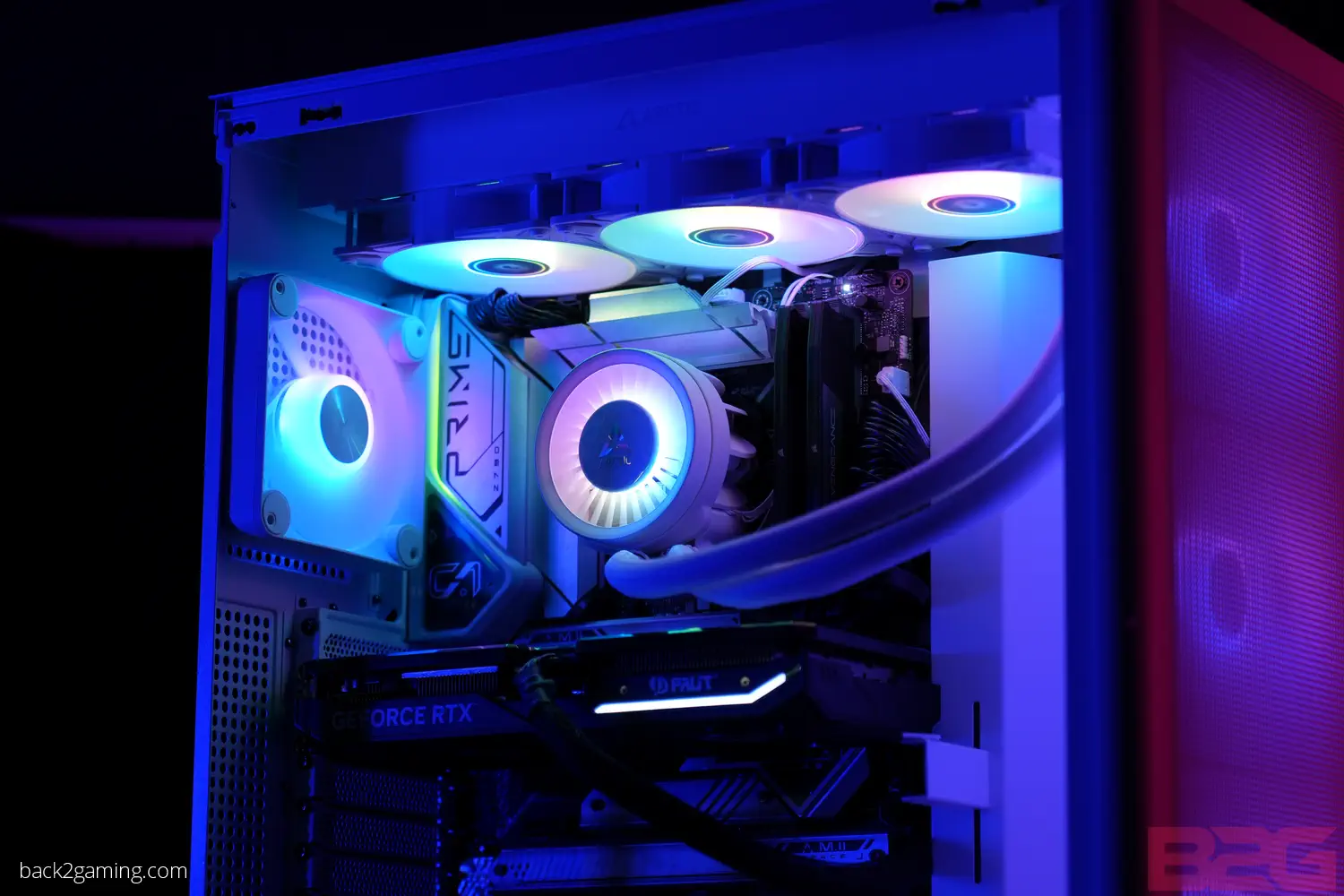
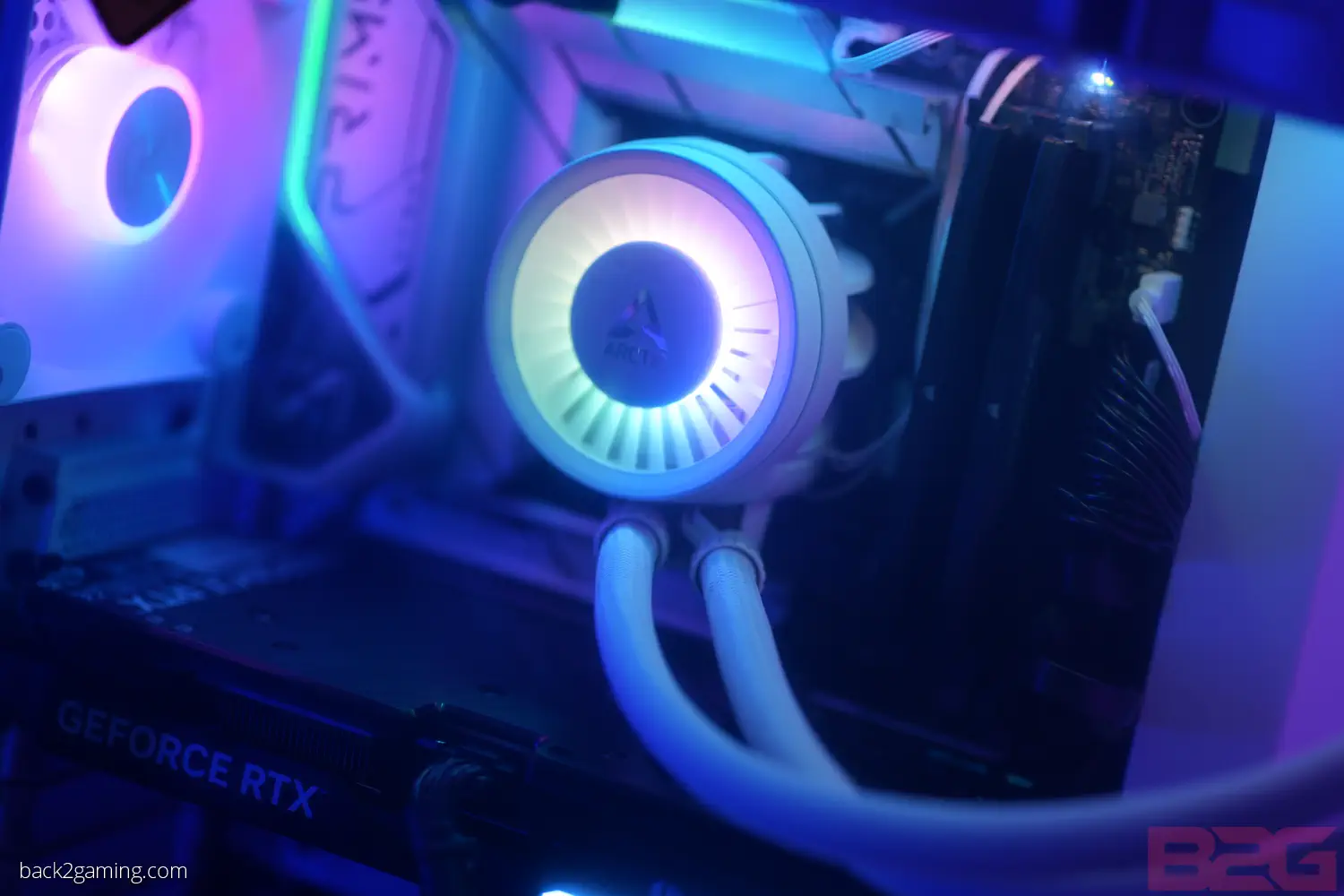
ARCTIC has also maintained their pump-block fan design but instead of a tiny fan, they have no installed a larger fan to cool the CPU socket area and allow fresh air to move around the VRMs. We’ll check this out as well along with how the fans support the cooler overall. Read on to find out more!
Features & Specifications
- LGA1700 and future Intel socket support with CONTACT FRAME: Improved contact pressure distribution through Intel mounting frame for efficient heat transfer, thanks to even CPU contact surface
- NATIVE AMD OFFSET MOUNTING: Optimized for the multi-die chiplet design of Ryzen processors – 5mm offset for optimal coverage of the CPU hotspot, resulting in more efficient heat transfer
- ACTIVE COOLING OF THE VOLTAGE CONVERTERS: PWM-controlled VRM fan that additionally cools components in the base area, such as voltage converters
- INTEGRATED CABLE MANAGEMENT: The PWM cables of the radiator fans are integrated into the jacket of the hoses, which means that only one visible cable is connected to the motherboard
| Specification | Details |
|---|---|
| Compatibility | Intel: 1700 AMD: AM5, AM4 |
| PI | NNPI | 338 | 309 |
| TIM | MX-6 (0.8 g) |
| Warranty | 6 Years |
| Operating Ambient Temperature | 0—40 °C |
| Weight | 1870 g |
| LED Connector | 3-Pin A-RGB Connector |
| All-In-One Connector | 4-Pin PWM Connector |
| Splitt Connector | 3x 4-Pin PWM Connector |
| Pump | |
| Pump | 800—2800 rpm (PWM controlled) |
| Current | Voltage | 0.35 A | 12 V DC |
| Cold Plate | Copper, Micro Skived Fins |
| Tube Length | 450 mm |
| Tube Diameter | Outer: 12.4 mm Inner: 6.0 mm |
| Radiator | |
| Material | Aluminium |
| Dimensions | 398 (L) x 120 (W) x 38 (H) mm |
| VRM Module | |
| VRM Fan | 400—2500 rpm (PWM controlled) |
| Current | Voltage | 0.05 A | 12 V DC |
| LEDs | 12x A-RGB LEDs |
| Current | Voltage | 0.40 A | 5 V DC |
| Radiator Fans | |
| Fan | 3x P12 PWM PST A-RGB |
| Speed | 200—2000 rpm |
| Air Flow | 48.82 cfm | 82.91 m3/h |
| Static Pressure | 1.85 mmH2O |
| Bearing | Fluid Dynamic Bearing |
| Current | Voltage | 0.11 A | 12 V DC |
| Cable Length | 40 mm |
| Connector | 4-Pin PWM Connector |
| RGB | |
| LEDs | 12x A-RGB LEDs |
| Current | Voltage | 0.40 V | 5 V DC |
| Cable Length | 40 mm + 80 mm Splitter Cable |
| Connector | 3-Pin A-RGB Connector + 3-Pin Plug |
Official product page – Arctic Liquid Freezer III Series
Closer Look

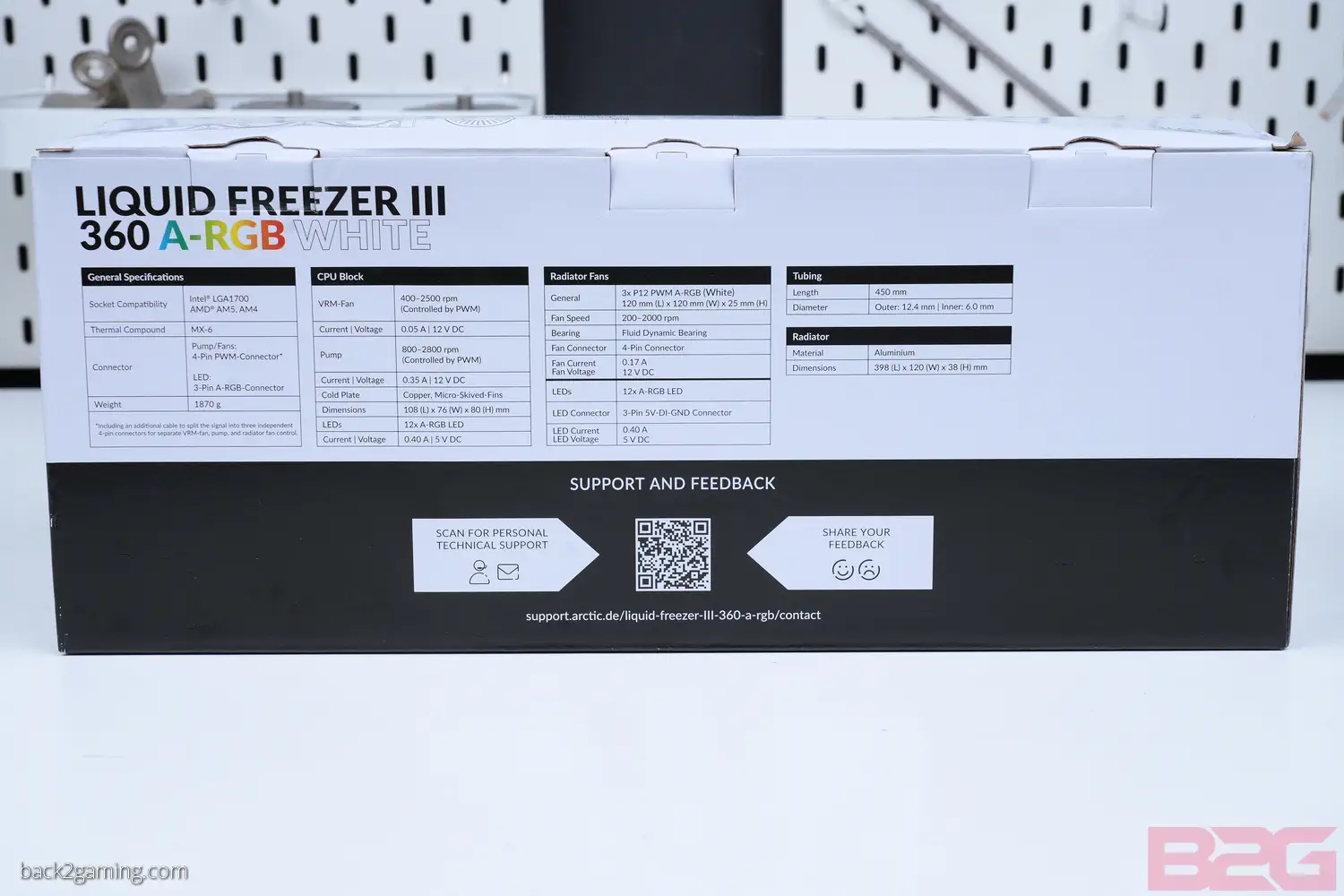


The ARCTIC Liquid Freezer III series is one of the most affordable AIO liquid CPU cooler you can find right now. Still, ARCTIC isn’t putting the cooler in a plain box. They still ship the Liquid Freezer III in a colored box but the material is fairly light and thin cardboard. Details are printed on the side with a QR code for the online manual on one of the narrow side.


There’s no shipping lining here and a plastic bag protects the radiator, tubes and pumpblock from shifting during shipping. Some cardboard inserts are still there to hold the accessory pouches. Lastly, the pump-block is held in-place with a moulded paper pulp to secure the block fan and block itself in-place.
The package includes a pouch for mounting hardware. Take note that the Arctic Liquid Freezer III is specifically made for LGA1700 Intel sockets but will support both AMD AM4 and AM5 sockets. ARCTIC sells an LGA1200/LGA115x mounting kit if you really like the cooler and want to use it on older hardware.


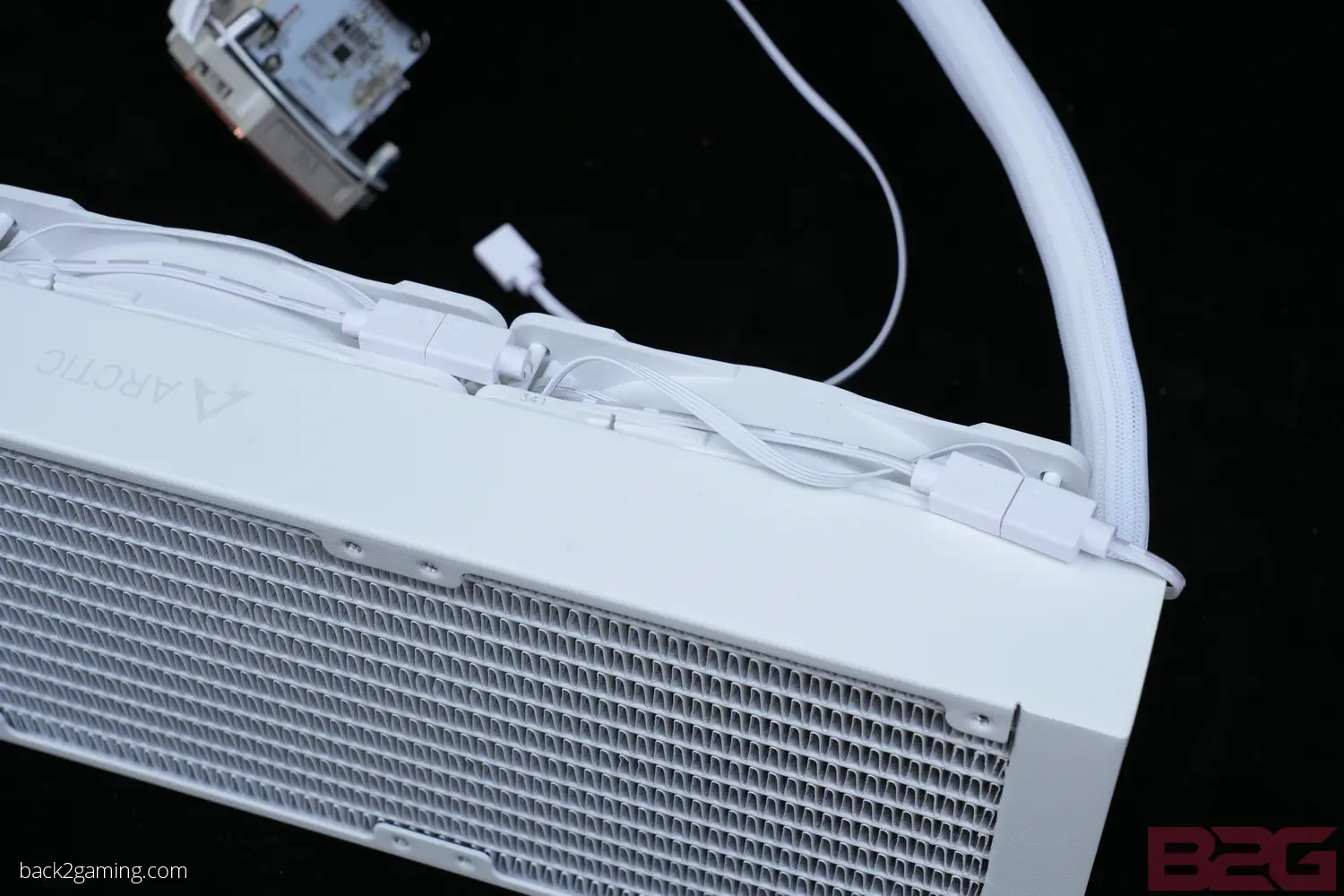

ARCTIC offers a black and white version of the Liquid Freezer III A-RGB version but offers non-RGB models in black only. Focusing on the design itself, ARCTIC has some differences from standard AIO liquid cooler designs, primarily on the thickness of the radiator. At 38mm, it sports a high-performance radiator
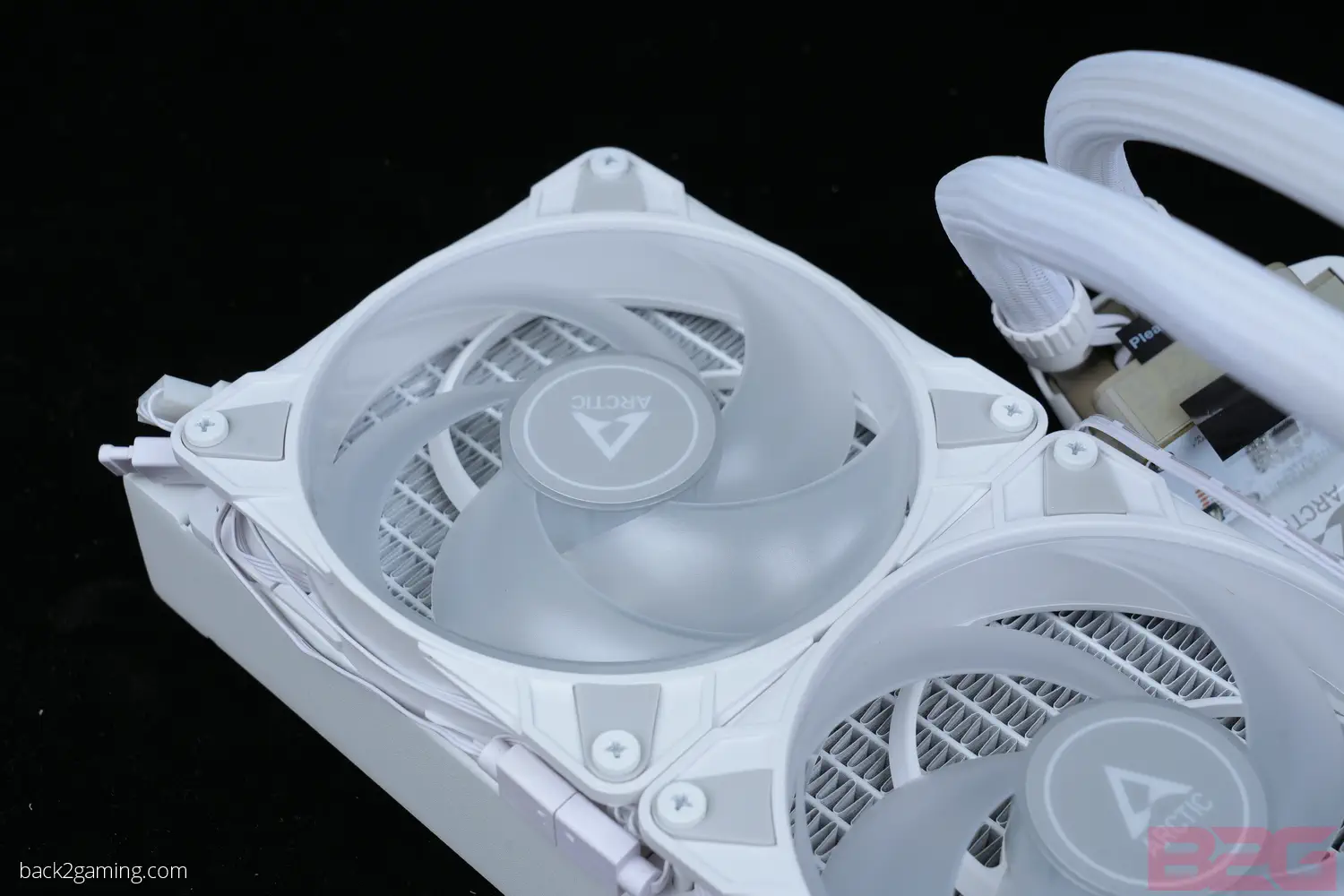
Cooling our Liquid Freezer are a trio of ARCTIC P-series fans, specifically the P12 PWM PST A-RGB for the 360mm A-RGB version. PST for PWM Sharing Technology which is the daisy chaining method for these fans.

The Liquid Freezer III features sleeved tubing and have some swivel to them at the pump-block end for adjustment but the tubing is kind of firm so placement can be fiddly on tighter installations.


Due to the specialized mounting hardware used for Intel CPUs, ARCTIC has noted of possible compatibility concerns with certain motherboards. To ensure your motherboard is supported by any of the Liquid Freezer III series coolers, please confirm it with the ARCTIC Liquid Freezer III compatibility list.
The main concern stems from M.2 slots on some boards, particularly ones made with PCIe Gen5 M.2 slots above the first PCIe slot. As the Liquid Freezer III uses a fixed orientation contact frame for Intel, the tubing that connect to the pump-block may cause be obstructed by the gigantic M.2 heatsinks on some motherboards. In our testing, the Z790 AORUS MASTER X’s M.2 Gen5 slot already rubs up against the bottom plastic of the tubing guides. Some ornate heatsins like those used by ASRock on their Taichi boards or others could cause issues so please check before buying.
Continuing with the contact frame, ARCTIC seems to be aware of the pain points of newer CPUs and have included both the contact frame to solve LGA1700 CPUs bowing and AM5 offset position to align with the die of the AMD CPUs. Both issues have been brought up during the initial year of these new-gen products and ARCTIC’s design choices bring extra value to users as a no-name contact frame for Intel or offset mount for AMD will be an extra expense.
Another value-adding inclusion is ARCTIC’s universally well-regarded MX-6 thermal paste included as the default thermal paste for this kit.
Do follow the instructions to the letter as Intel’s mounting will require removing the stock retention assembly which will expose the socket pins.


The VRM fan is a separate part which pops in directly on pogo pin connectors for power and RGB. ARCTIC ships either a single 4-pin cable as well as a 4-pin break-out cable to connect the pump-block to your board. Note that the break-out cable is labelled so you can connect each to any individual 4-pin fan header for granular control of each working part of the Liquid Freezer III.
The fan cover just magnetically locks in place but if it doesn’t power on, you can adjust it even during operation but make sure that nothing is shorting the connector pads just in case.
Finished Look
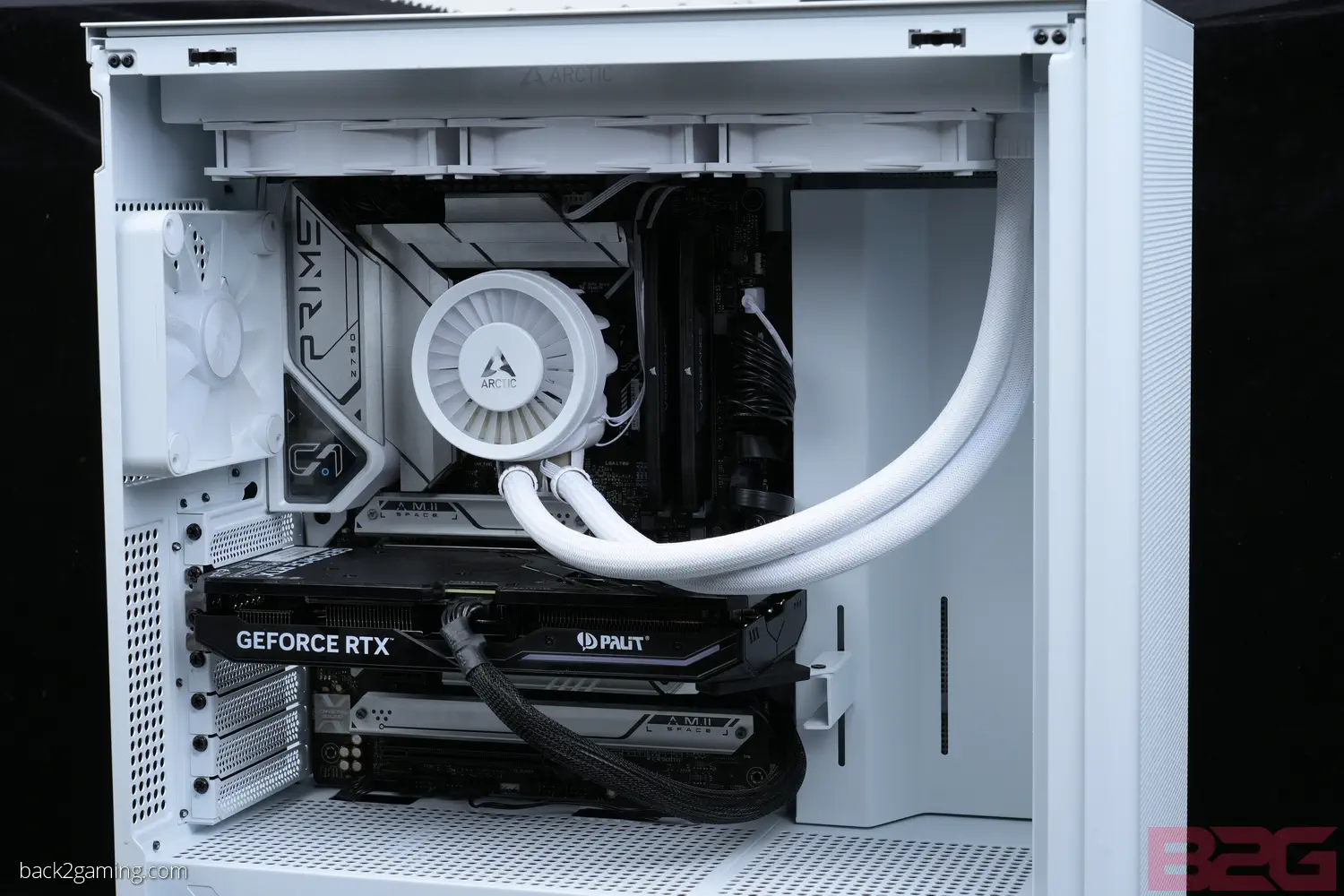



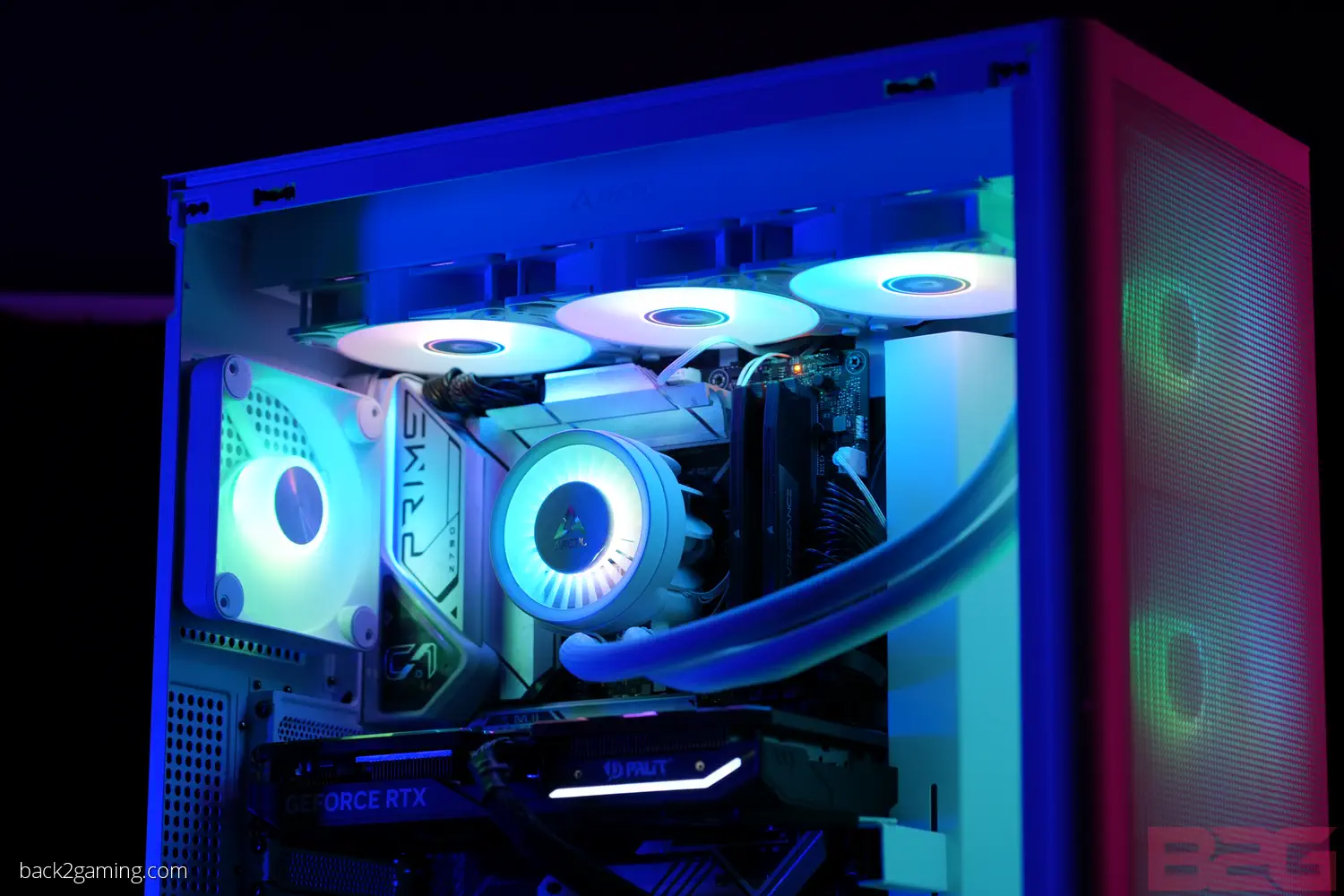
A case that supports 360mm radiators from the front, side or top have plenty of flexibility when it comes to placement. Tighter cases that can support 360mm rads but put the space on front will also have an easier time but column cases for mATX or ITX setups may have a tougher time fitting.
The ARCTIC Liquid Freezer III ARGB version connects to the 3-pin ARGB connector on any controller or motherboard. All fans and the VRM fan cover are synced out of the box so you just need to customize the lighting if you want personalized lighting.
Test Results
Test Setup
Processor: Intel Core i9-13900K
Mainboard: GIGABYTE Z790 AORUS MASTER X
Memory: G.Skill Ripjaws 5S DDR5-6000
Storage: T-Force Z540 SSD
PSU: FSP Hydro G Pro 1000W
Monitor: GIGABYTE M32U
VGA: ASUS Phoenix GTX 1050 Ti
Thermal Interface Material: Thermal Grizzly Kryonaut
Methodology
We’re currently testing our 2 varieties of test. For this review, we’re doing testing not by changing the heat load but by changing the fan speed. Given the size of the radiator and the rated capacity, its pointless to test below 250W as you’ll see with the thermal readings we have.

The programmed test here is done with OCCT Enterprise v13 which allows us to sequence the testing. We queue SSE > AVX > AVX2 all of which are using Small/Extreme profiles for maximum load. At 250W load, the Arctic Liquid Freezer III 360 A-RGB gives us very good thermal control even at only 20% fan speed. Our clock charts confirms no throttling but we do see the clock speed dipping by 100mhz or so especially at 20% fan speed but in exchange for seriosuly dead-quiet performance.
These are very unrealistic workloads and typical daily scenarios that don’t involve loading a power virus into your CPU and GPU will most likely never need to push the cooler into needing maxed out fan speeds. Given the performance we get, you’re fine leaving your motherboard to do its thing but maxing out at 80% and dipping to even 10% is plenty of room for this cooling to give you some great noise-to-performance ratio especially on easier-to-cool processors.
Testing the VRM Cooling
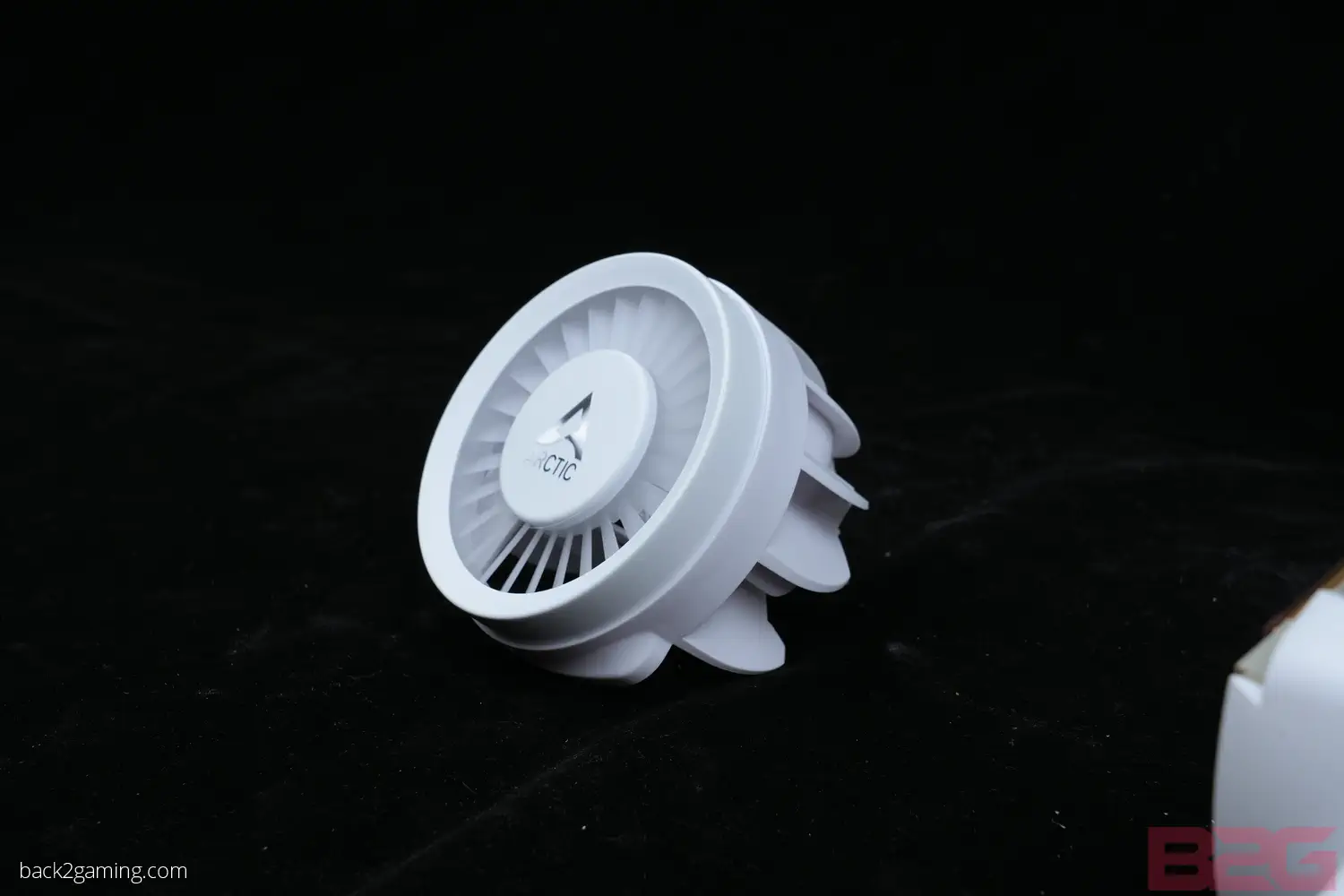

I’ve always thought of VRM fans as a small novelty but with most of my AIOs on my test benches actually have some sort of VRM fans, I’ve come to appreciate them more over time. In the case of the Liquid Freezer III, this is actually the largest one I’ve seen to date and with no LCD, you know its specifically for cooling the CPU socket area.
So here’s a stress test run on our CPU to put our VRM to work. Comparing both with and without the VRM fan, we can see a dramatic improvement in temperatures but while this may not show any tangible benefits immediately, heat is always the enemy of components and caring for them is always a good thing.
User Experience & Conclusion
Wrapping things up, the ARCTIC Liquid Freezer III series is an excellent value cooler if you’re looking for the best low-noise cooler at the best price. The thicker radiator allows ARCTIC to achieve better temps at a lower fan speed so silence becomes another strongpoint of the Liquid Freezer III. Cooling performance overall is impressive and ARCTIC’s many inclusion and design choices gives a lot of extra value to the user as things like the contact frame, the thermal paste, VRM fan, and more usually come at an extra cost but regardless of which model you choose, its price point always puts it a sweet spot.
With some of the design choices though comes some considerations. The reason I am repeating checking compatibility is because there’s no modding your way into mounting that pump-block if its obstructed by your M.2 slot heatsink, so one has to go. The other fitting issue is the radiator coming in at 38mm thick which some cases, even standard sized ATX ones, may not have enough clearance with your board. Lastly is the contact frame which only orients one way.
Another thing I have to point out about the contact frame is that it is a very delicate installation as it requires removing the default ILM which may not be a comfortable process for some users. That, and the cooler itself being only limited to LGA1700-only for Intel without the LGA1200/LGA115x mounting hardware which is sold separately.
But these misses are more compromises to achieve a goal and while it may rule it out for some, it achieves much more for those it support. If you’re not on a flagship CPU, you have plenty of option rather than going straight for the longer option e.g. instead of going 360mm you can opt for 280mm and get possibly more quieter operation. But for those that want more powerful cooling capacity, the 360mm and 420mm are very good options.
The ARTIC Liquid Freezer III series is an easy recommendation for those that feel they need the contact frame for best performance with their LGA1700 Intel CPU. Its not a chart topper but if you value silence, fan longevity and overall value, the ARCTIC Liquid Freezer III is a strong recommendation.
ARCTIC backs the Liquid Freezer III with a 6-year warranty.